
Free Verification Forms
Verification forms confirm a fact about a person in writing, from a job title to a home address. Pick a template, answer a few questions, and download a copy ready for signing.
- Download as PDF and Word
- E-sign included
Verification forms confirm a fact about a person in writing, from a job title to a home address. Pick a template, answer a few questions, and download a copy ready for signing.
Choose the state or form type you need to start.
Answer a few simple questions to customize your form.
Download or print your custom document in PDF or Word.
Verification forms are short written statements confirming something about a person or a situation. A landlord, lender, school, or agency asks for one whenever a claim needs backing.
Each form follows the same simple shape. Someone with direct knowledge states a fact, adds supporting detail, and signs. As a result, the reader gets a dated record instead of a phone call. Most run to a single page, which keeps them quick to complete.
Requests arrive constantly in everyday life. Renting an apartment, applying for a loan, enrolling a child, or claiming a benefit can all trigger one.
The signer is usually an employer, a supervisor, a school official, or a property manager. However, individuals sign their own forms in some cases, such as self-employment income.
The document is evidence, not a recommendation. It records facts the signer can support, which is why plain statements work better than praise.
Different situations call for specific proof. Pick the exact verification form for your needs.
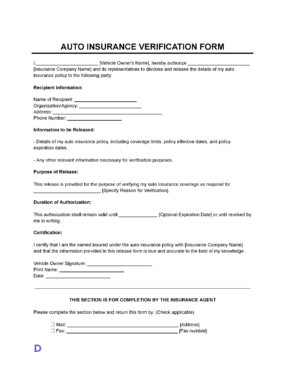
Auto Insurance Verification Form
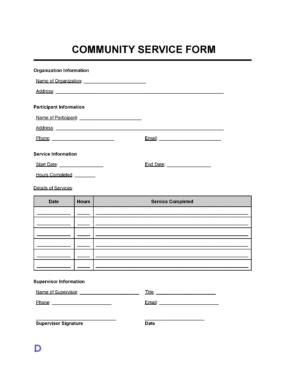
Community Service Form
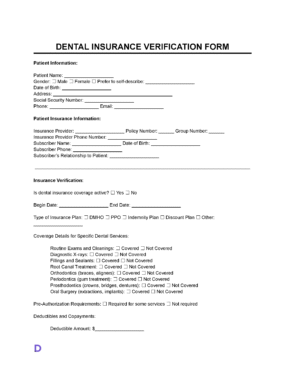
Dental Insurance Verification Form
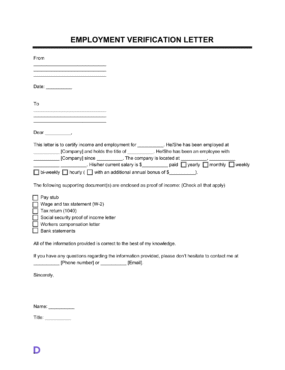
(Unpublished and Redirected) Employment Verification Letter
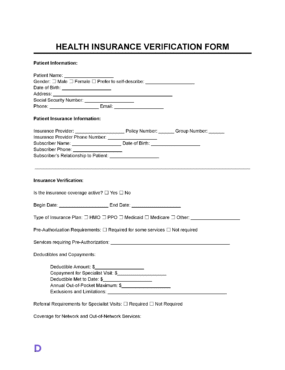
Medical (Health) Insurance Verification Form
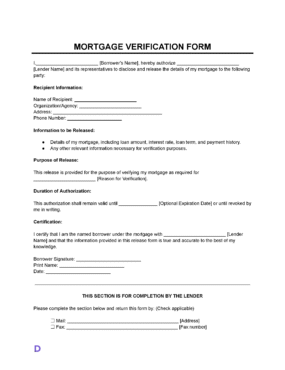
Mortgage Verification Form
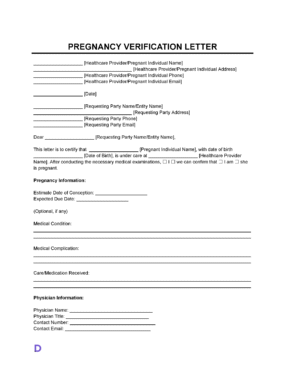
Pregnancy Verification Letter
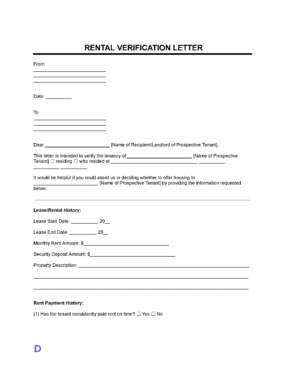
Rental Verification Form
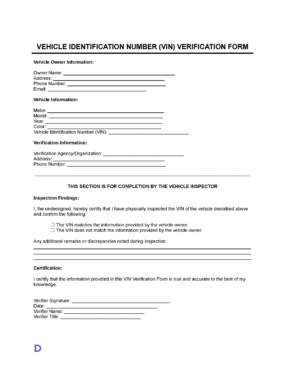
VIN Verification Form
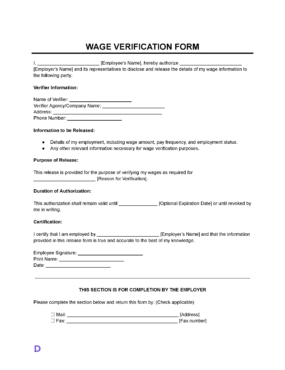
Wage Verification Form
A useful form answers who, what, and how the signer knows. Keep the whole thing to one page.
Give the full name of the person being verified. Then add an identifier the requester already holds, such as an employee or student number.
Name the organization asking for the form, along with the reason behind the request. This helps the signer answer only what is needed.
State the specific facts plainly, with dates and figures where relevant. Avoid opinions about performance or character.
Record the signer’s name, title, organization, and contact information. Also explain how they know the facts they are confirming.
List anything sent alongside the form, such as a pay stub or a class schedule. Then number the pages, so nothing goes missing in transit.
Add the signing date and a signature line. Most requesters treat an undated form as unusable.
The right signer is whoever holds the records, not whoever knows the person best. A supervisor with payroll access beats a friendly colleague every time.
Requesters usually include landlords, mortgage lenders, benefit agencies, immigration sponsors, and scholarship offices. Each one sets its own deadline and delivery method. Therefore, ask how they want the completed form returned before you send anything.
Response times matter more than people expect. Applications stall while a form waits in an inbox, so agree on a turnaround with the signer up front.
Volume changes the process for employers. Larger companies often use a standing policy and a single mailbox for these requests. Small businesses handle them one at a time. Either way, a written trail protects the signer.
Ask the requesting organization whether it requires its own version. Many lenders and agencies will only accept an in-house document. Checking first saves a second round of signatures and a delayed application.
Work from the record, then from the form, in that order. Pulling the data first prevents guesses from creeping in.
Blank fields cause most rejections, because a reader cannot tell whether the answer is zero or missing. Therefore, respond to every line, even when the answer is short.
Save the completed form before sending it. Digital copies make a follow-up request quick to answer.
Verification forms carry weight because someone signs their name to them. Accuracy therefore comes before speed.
Confirm every figure against a record before signing. Payroll reports, lease files, and student information systems all beat memory. Moreover, one small mistake can stall an application for weeks.
Privacy deserves the same care. Share only the facts requested, and get written permission from the person before releasing details about them. Employers often route these requests through human resources for exactly that reason.
Corrections happen, and they are easier than people fear. Issue a replacement form marked with a new date rather than editing the original. Then tell the requester which version to use.
Keep a copy for your own records. If a dispute surfaces months later, the signed form shows exactly what was stated and when.
Recognition depends on the requester. Some accept a signed statement, while others want notarization, company letterhead, or a wet-ink original. Check your state’s official website if a government agency is involved, and confirm the format with whoever asked. Start your verification form now and return it before the deadline closes.

One place to build, sign, and manage documents.