Trusted by individuals who need fast, easy document signing
Fast. Simple. No software needed.
How to Sign Documents Online
01.
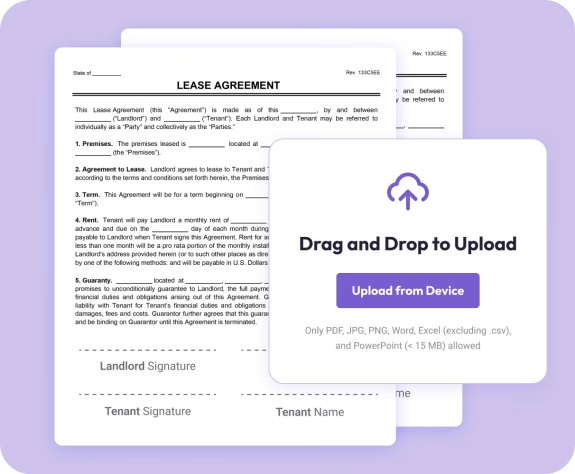
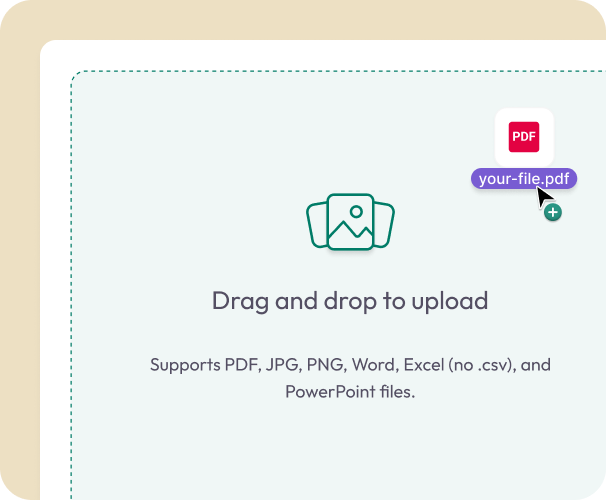
Upload Your Document
- Drag in your PDF, Word file, or image—or start with one of our ready-made templates.
02.
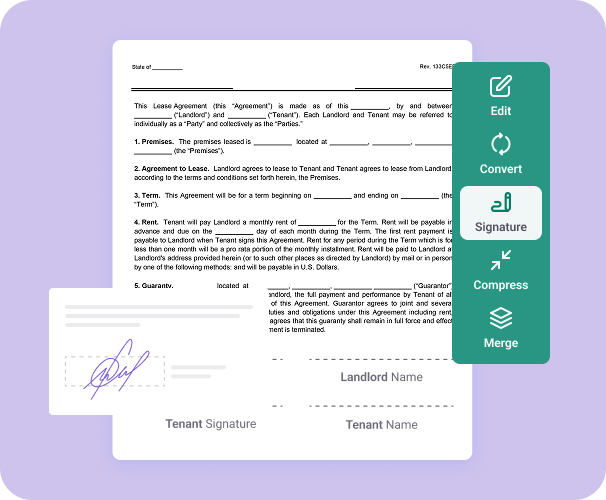
Add Signature Fields
- Place signature boxes anywhere on the page. Add your own signature or prepare the file for others.
03.
Sign and Share
- Sign instantly or send the document to others for completion. Track status, get notifications, and access your signed files anytime.

Why Use Document Genius for E-Signing Documents
Faster signing and sending
Sign PDFs, Word documents, contracts, and agreements. All in your browser with no software to install.
Choose signer order
Control who signs first, second, or last. Perfect for contracts, approvals, and multi-party agreements.
AI-powered summaries
Understand long contracts at a glance. Our AI gives you a quick overview before you sign.

Save repeat contacts
Speed up recurring signatures by storing signers in your account.
Part of the full DG toolkit
After signing, you can edit, convert, split, merge, or manage your documents using our PDF tools.
Do More With Your Documents
A complete workspace for editing, organizing, and signing documents.
eSign It
Apply secure electronic signatures or send your document to others for fast, guided signing.
Edit It
Add text, images, highlights, checkmarks, or small updates before sharing your file.
Organize It
Combine PDFs, reorder pages, or save your completed documents in one easy-to-access place.