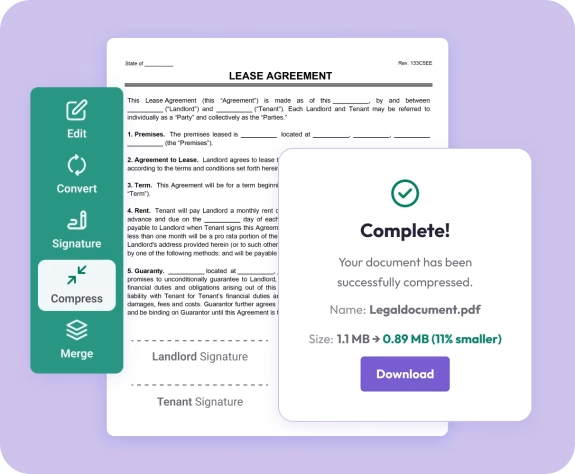
The fastest way to reduce PDF file size online
Fast. Simple. No software needed.
How to Compress a PDF Document
01.
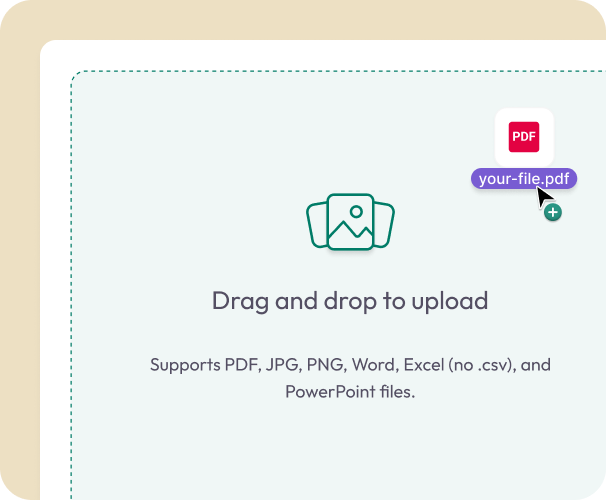
Upload Your PDF
- Drag your file into the uploader or select it from your device. Works instantly on desktop, tablet, or mobile.
02.
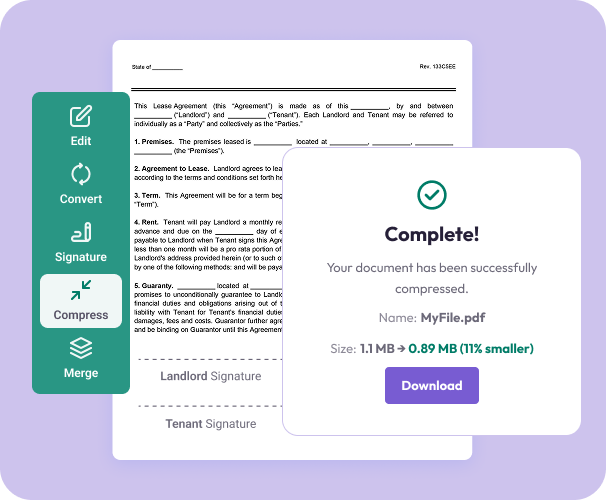
Click Compress
- Select compress and let Document Genius do the work. Your file is optimized in seconds.
03.
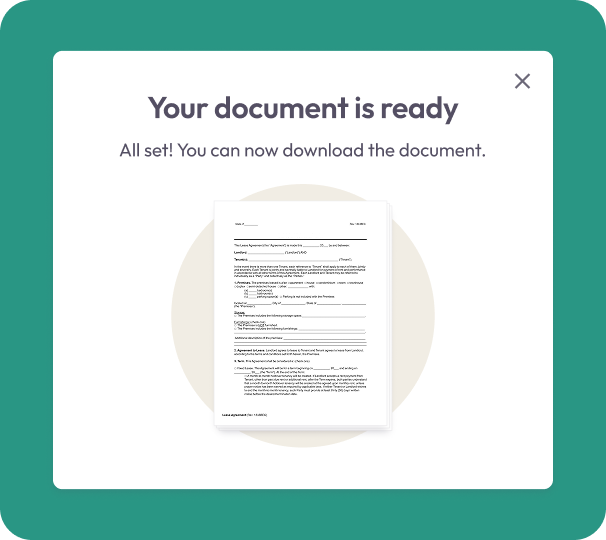
Download or Save
- Download your smaller PDF immediately or save it to your account for easy access later.
Why Choose Our PDF Compressor
Smaller files, same quality
Reduce file size without distorting text, images, charts, or layout.
One-click compression
Upload → compress → download. Designed for quick tasks and fast turnarounds.
Faster uploading and sharing
Compressed PDFs send more easily by email and work smoothly on websites, apps, and cloud systems.

All your PDF tools in one place
Easily switch between compressing, editing, merging, and converting with the Document Genius workspace.
Works on any device
Compress PDFs on your phone, tablet, laptop, or any browser—no installations needed.
Free Online PDF Compressor
Compressing PDFs — What You Need to Know
PDF files get large fast — especially those with images, scanned pages, or complex layouts. Document Genius reduces file size while keeping your content clear and readable. Your file is encrypted during upload and permanently deleted after compression.
How Much Can I Compress?
Compression results depend on your PDF's content. Image-heavy files reduce the most — a typical PDF can go from several MB down to under 1MB, and many compress to under 100KB. Perfect for email attachments, form uploads, and cutting storage costs.
Will Quality Be Affected?
No. Document Genius optimises file size by removing embedded fonts, metadata, and redundant image data — without touching your text, layout, or readability. The compressed file looks identical to the original and remains fully printable.
When Should You Compress?
Compress when a PDF is too large to email, won't upload to a form or website, or is taking up too much storage. It's also useful before merging multiple large files into one document.