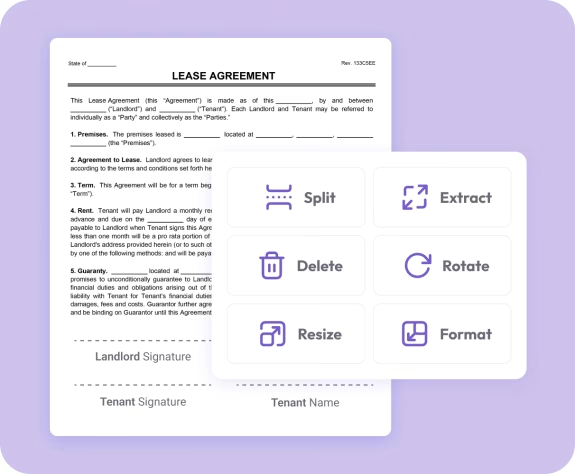
Trusted by individuals who need fast, easy PDF editing
Fast. Simple. No software needed.
How to Organize PDF Documents
01.
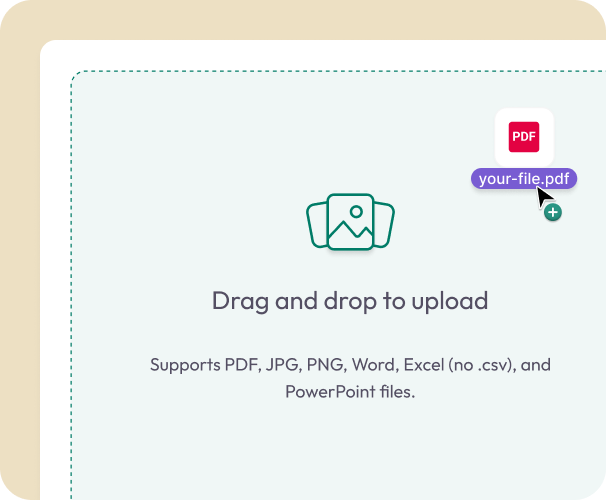
Upload or Drag in Your PDF
- Choose a file from your device or drag it directly into the organizer. It loads instantly in your browser.
02.
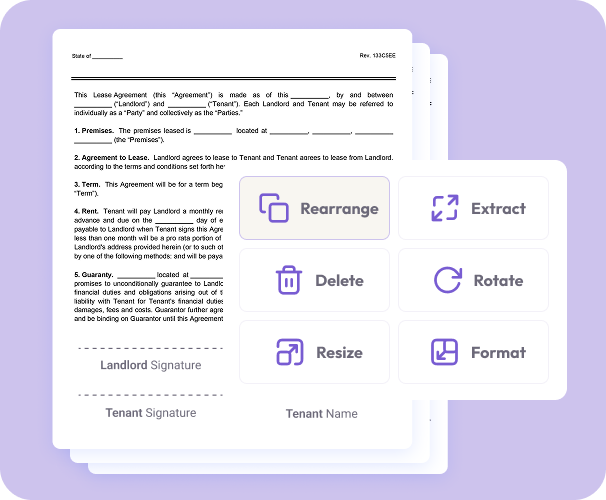
Rearrange Your Pages
- Drag pages into the order you want. You can also merge files, remove pages, or make quick edits before saving.
03.
Download Your Updated PDF
- Download your organized document or save it to your account for easy access anywhere.

Why Use Our PDF Organizer
Simple organization
Move pages into the right order in seconds. No complicated tools or software learning curve.
Merge and arrange in one place
Upload multiple PDFs, combine them, and reorder pages to create a clean, unified document.
Always works in your browser
Organize PDFs from any phone, tablet, or computer. No installations or plugins required.
Convert Your PDFs
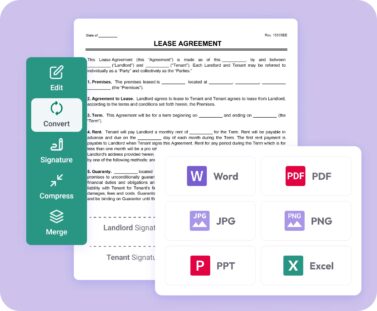
Convert your final PDF into Word, Excel, PPT, JPG or PNG.
Polished, high-quality output
Your PDF keeps its original formatting, resolution, and layout—only the page order changes.
Do More With Your PDFs
A complete workspace for editing, organizing, and converting documents.
Organize It
Reorder pages, remove unwanted content, or merge files into a single, structured PDF.
Edit It
Highlight text, add notes, insert images, or adjust content directly in your file.
Convert It
Turn your PDF into Word, Excel, PowerPoint, JPG, PNG, and more.