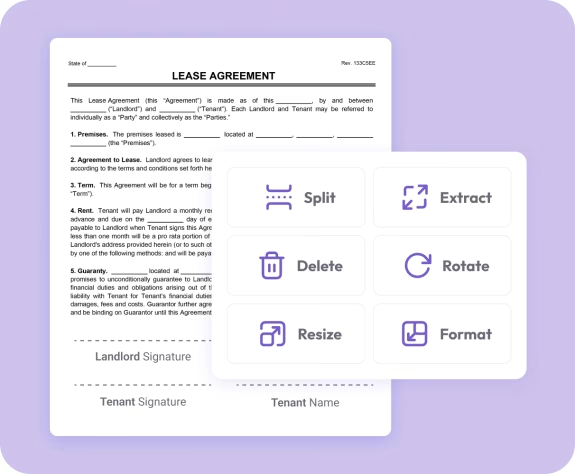
Trusted by individuals who need fast, easy PDF editing
Fast. Simple. No software needed.
How to Rotate a PDF Document
01.
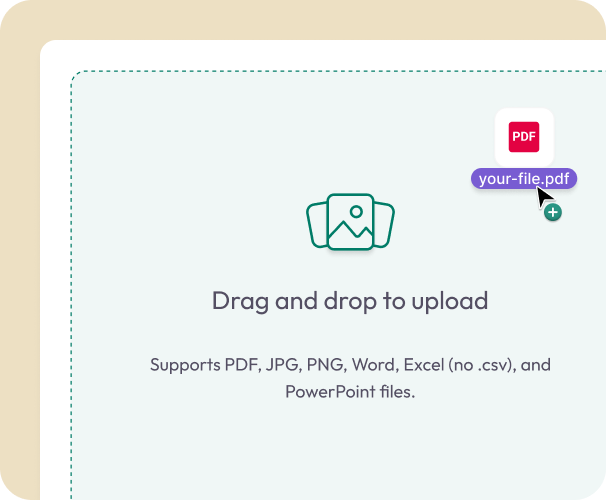
Upload Your PDF
- Drag your file into the uploader or select it from your device. Rotation works on any computer, tablet, or phone.
02.
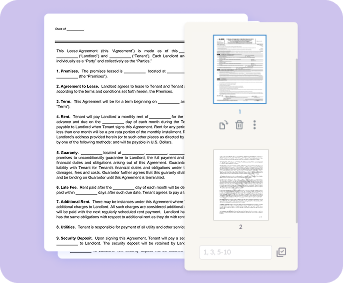
Rotate Pages as Needed
- Use the toolbar to rotate individual pages or multiple pages. Adjust the orientation until everything looks right.
03.
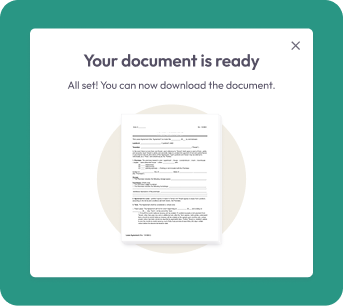
Download or Save
- Download your updated PDF instantly or save it to your account for easy access later.
Why Choose Our Rotate PDF Tool
Clean, readable pages
Rotate upside-down or sideways pages so your entire document displays correctly.
Simple, intuitive controls
Rotate pages with one click—no learning curve or advanced editing skills needed.
Secure file handling
Your files are encrypted during upload and removed after processing to protect your privacy.

All your PDF tools in one place
Easily switch between rotating, editing, merging, and converting with Document Genius.
Share instantly
Save your corrected PDF and send it with confidence—every page aligned for easy reading.
Do More With Your PDFs
A complete set of tools for fast, accurate PDF editing.
Rotate It
Adjust page orientation for clearer viewing.
Edit It
Highlight, annotate, rearrange, or remove pages.
Convert It
Turn your PDF into Word, Excel, PowerPoint, JPG, or PNG.