Trusted by individuals who need fast, easy PDF conversion
Fast. Simple. No software needed.
How to Convert Excel to PDF
01.
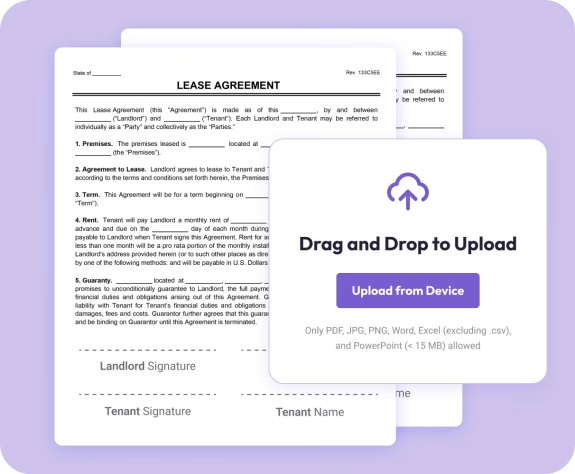
Upload Your Excel File
- Drag your .xls or .xlsx file into the uploader. Your spreadsheet loads instantly—no installation required.

02.
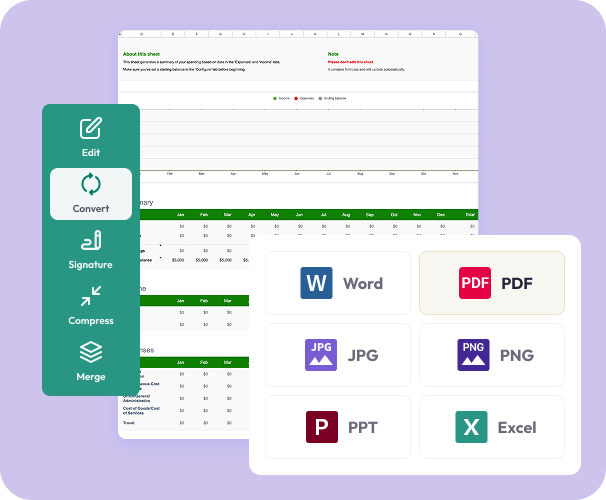
Convert to PDF
- Select “PDF” as your output format. Our converter keeps your cells, styles, and layout exactly as they appear in Excel.
03.
Download or Share
- Download your polished PDF or share it instantly. Your converted document is professional, accurate, and secure.

Why Choose Our Excel to PDF Converter
Preserve tables and layout with precision
Your rows, columns, cell formatting, colors, and formulas remain perfectly aligned in the PDF version.
High-quality conversion in seconds
Turn Excel sheets into clean, print-ready PDFs with one click.
Universal compatibility
PDF ensures your spreadsheet opens correctly on any device or platform—no Excel required.

Document Genius conversion engine
Enjoy fast, reliable processing for spreadsheets large and small.
All your PDF tools in one smart workspace
Convert, edit, merge, sign, annotate, and organize—all from one intuitive dashboard.
Do More With Your Documents
Powerful tools to help you edit, enhance, and finalize your documents—right in your browser.
Convert It
Transform Excel sheets into PDF instantly—ready for printing, sharing, and presenting.
Edit It
Add annotations, text, images, or combine your new PDF with others using built-in tools.
Share It
Download or share your PDF immediately—secure, private, and ready to send.