Trusted by individuals who need fast, easy PDF conversion
Fast. Simple. No software needed.
How to Convert PDF to Excel
01.
Upload Your PDF
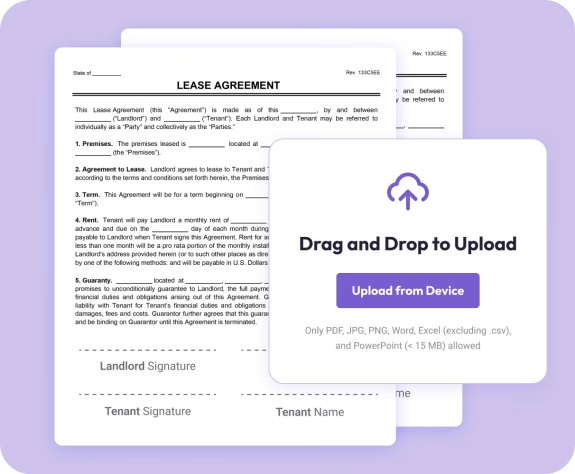
- Drag your PDF into the uploader or choose it from your device. Your file loads instantly—no setup needed.

02.
Convert to Excel
- Select Excel as your output format. Your tables, rows, and columns stay structured and readable.

03.
Download or Share
- Download your new Excel file or share it instantly. Your spreadsheet stays secure, editable, and ready to use.

Why Choose Our PDF to Excel Converter
Accurate tables, preserved
Your rows, columns, headers, and values stay exactly where they belong. No cleanup required.
Fully editable Excel files
Update formulas, sort data, or reuse information without rebuilding spreadsheets.
Works on any device
Convert from your laptop, tablet, or phone with no software required.

Secure file handling
Your files are encrypted during upload and conversion for complete privacy.
Powered by Document Genius
Reliable processing designed for everyday data work and financial tasks.
Free PDF to Excel Converter
Converting PDF Tables to Excel — What to Expect
PDF files lock your data in place. Document Genius extracts it — turning static tables, rows, and figures into a structured Excel spreadsheet you can sort, filter, and analyse straight away.
What Kind of PDFs Work Best?
Text-based PDFs with clear table structures convert most accurately. Invoices, financial reports, and data exports work particularly well. Scanned PDFs are also supported — Document Genius reads the data and maps it into Excel columns automatically.
Will My Tables Stay Intact?
Yes. Rows, columns, headers, and values are preserved during conversion. You won't need to manually realign data or rebuild your spreadsheet — it comes out structured and ready to use in Excel or Google Sheets.
Do I Need Adobe or Excel Installed?
No. Everything runs in your browser — no Adobe Acrobat, no desktop software, no Excel required to convert. Just upload your PDF, convert, and download your .xlsx file. Open it in Excel, Google Sheets, or Numbers.
Who Uses This Tool?
Common Uses for PDF to Excel Conversion
PDF to Excel conversion is used across finance, business, and admin work wherever data is locked in a static file and needs to be analysed or updated.
Invoices & Finance
Extract invoice line items, totals, and payment data into a spreadsheet for tracking, reconciliation, or reporting. Saves hours of manual data entry.
Reports & Data Exports
Pull figures from financial reports, survey results, or data exports into Excel where you can sort, filter, and analyse without rebuilding the table from scratch.
Bank Statements & Forms
Convert bank statements or PDF form responses into structured spreadsheets. Useful for budgeting, auditing, or migrating data from old PDF records into a live file.