The fastest way to convert JPG images to PDF online
Fast. Simple. No software needed.
How to Convert JPG to PDF
01.
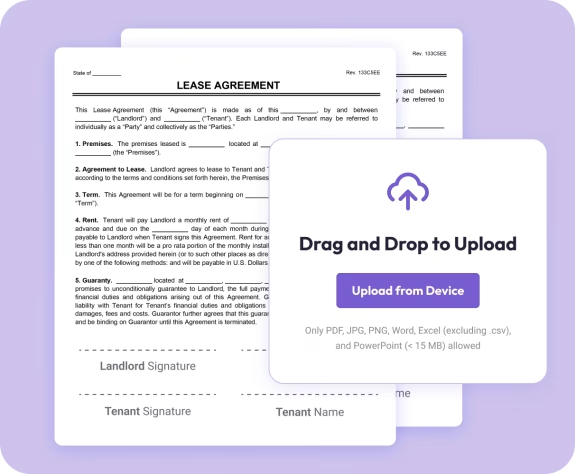
Upload Your JPG Image
- Drag your JPG into the uploader or select it from your device. Your image loads instantly—no installation needed.

02.
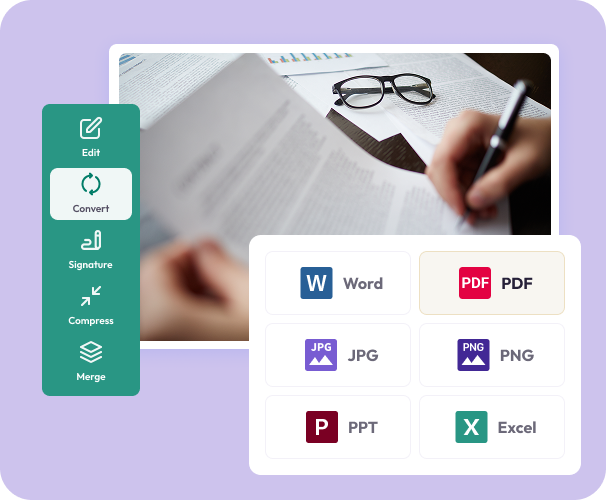
Convert to PDF
- Select PDF as your output format. The converter keeps your image sharp, clear, and perfectly aligned.
03.
Download or Share
- Download your new PDF or share it right away. Your file stays secure, consistent, and ready to use.
Why Choose Our JPG to PDF Converter
High-quality image preservation
Your image stays crisp, clear, and true to its original color and detail.
Create multi-image PDFs
Combine several JPGs into one organized, print-ready document.
Better for sharing and printing
PDF ensures your image displays the same on every device—no format issues.

Powered by the Document Genius engine
Enjoy fast, reliable processing for your images.
All your PDF tools in one smart workspace
Convert, edit, merge, sign, highlight, and organize—right in your browser.
Free JPG to PDF Converter
Converting JPG to PDF — What You Need to Know
PDFs are easier to share, print, and store than JPG files. Document Genius converts your images instantly — keeping every detail sharp without reducing quality.
Can I Combine Multiple JPGs?
The JPG to PDF converter processes one image at a time. To combine multiple JPGs into a single PDF, convert each one separately then use our Merge PDF tool to combine them into one organised document.
Will Image Quality Be Affected?
No. Your image stays crisp, clear, and true to its original colour and detail during conversion. The resulting PDF looks identical to the original JPG — ready to print or share professionally.
Why Convert JPG to PDF?
PDFs display consistently on every device and operating system — no format issues, no quality loss. They're also easier to email, print, and archive than image files, and you can add text, annotations, or signatures after converting.