Trusted by individuals who need fast, easy PDF editing
Fast. Simple. No software needed.
How to Add a Watermark to a PDF
01.
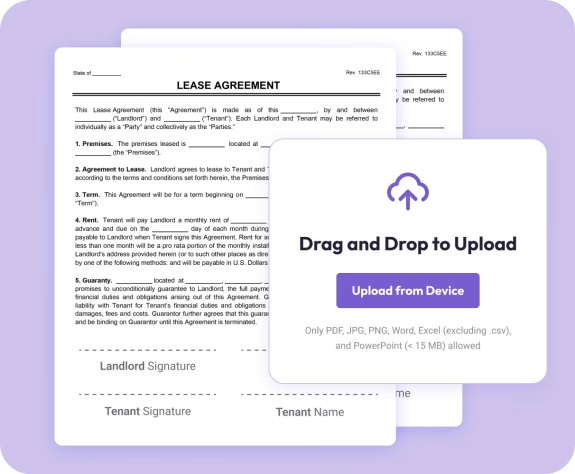
Upload Your PDF
- Select a file from your device or drag it directly into the editor. It loads instantly, no installations needed.
02.
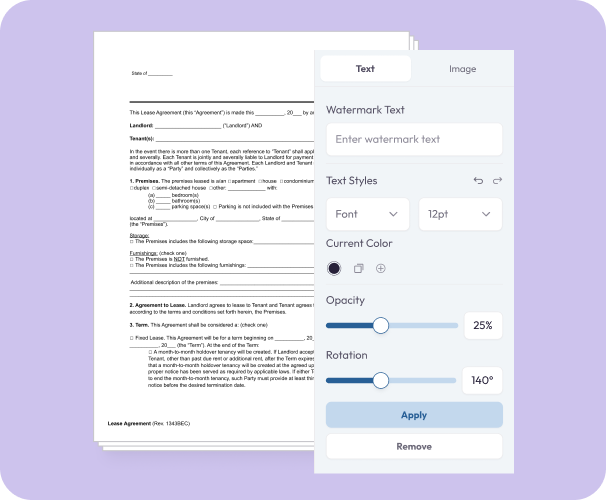
Customize Your Watermark
- Choose a text watermark or upload an image. Adjust size, angle, opacity, and placement on the page.
03.
Download Your Updated PDF
- Preview your document and download the watermarked version or save it to your account for later use.

Why Use Our PDF Watermark Tool
Fast watermarking
Apply a watermark in just a few clicks with an intuitive, drag-and-drop interface.
Text or image options
Add “DRAFT,” “COPY,” or custom text—or upload your logo for branded documents.
Professional results
Fine-tune your watermark with adjustable transparency and placement that keeps your content easy to read.

Works on every device
Use the tool from your phone, laptop, or tablet. No apps or extra software required.
Part of the Document Genius PDF toolkit
Watermark your PDF, then edit it, merge files, convert formats, or request signatures.
Do More With Your PDFs
A complete workspace for editing, organizing, and converting documents.
Protect It
Add watermarks to drafts, internal documents, contracts, and branded materials.
Edit It
Highlight, annotate, add text, or insert images after applying a watermark.
Organize It
Merge, split, or reorder pages to keep your files clean and structured.