Trusted by individuals who need fast, easy document signing
Fast. Simple. No software needed.
How to Request Signatures Online
01.
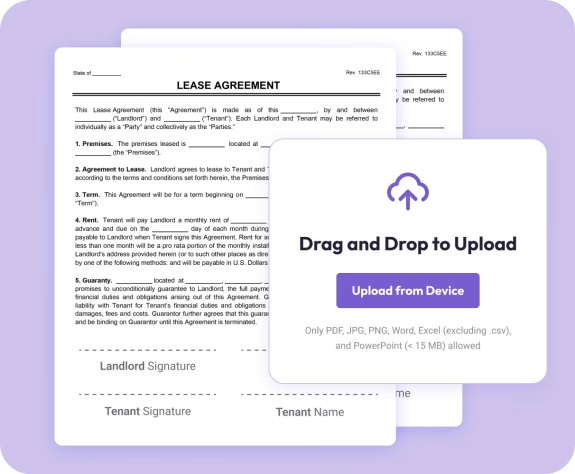
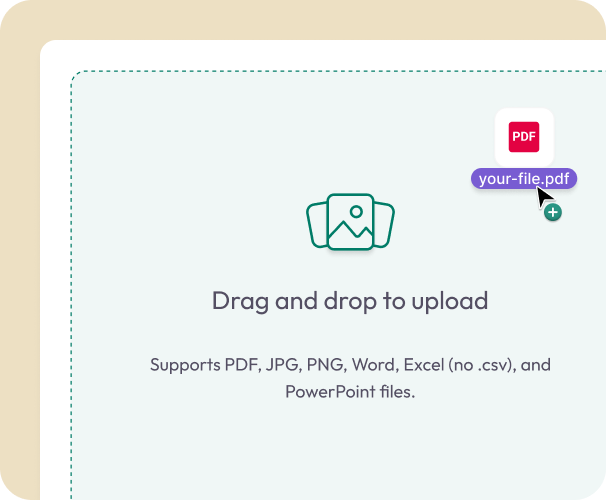
Upload Your Document
- Drag in your contract, form, agreement, or letter. You can also start with a ready-made template.
02.
Add and Assign Signature Fields
- Place signature boxes, initials, dates, and text fields where needed. Assign each field to the correct signer.
03.
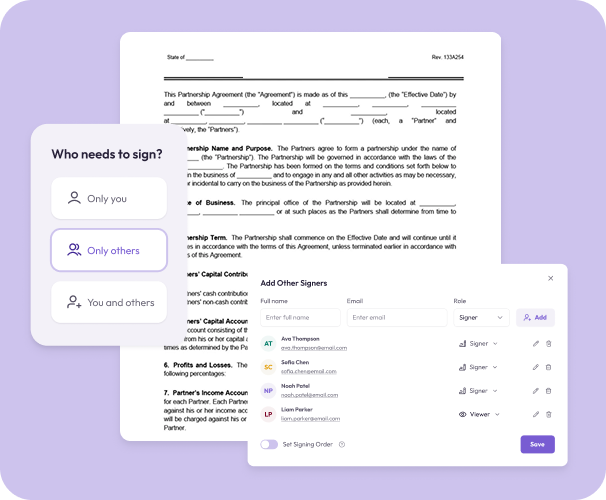
Send for Signature
- Enter signer emails, choose the signing order, and send. Each signer gets a secure link and guided signing flow.
Why Use Document Genius to Request Signatures
Control signer order
Choose whether people sign one by one or all at once. Ideal for approvals, agreements, and multi-party documents.
Track signature progress
Monitor who has viewed, signed, or still needs to sign. Get automatic notifications as each step is completed.
Store contacts for recurring workflows
Save signers to your account so you can select them again with one click—great for HR, clients, and repeat partners.

AI-powered contract summaries
Upload a long agreement and get an instant summary before sending it out.
Part of the full DG toolkit
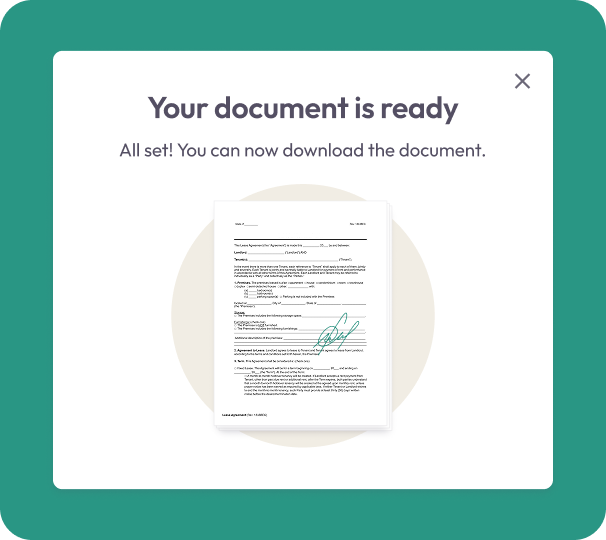
After collecting signatures, you can edit, convert, merge, or organize your files using Document Genius’s PDF tools.
Do More With Your Documents
A complete workspace for preparing, sending, signing, and managing important paperwork.
Request Signatures
Send documents to one or multiple people. Choose signing order and track every step.
Edit It
Add text, highlights, dates, or small updates before sending your signature request.
Organize It
Combine PDFs, reorder pages, or store completed contracts in one secure place.