Trusted by individuals who need fast, easy PDF conversion
Fast. Simple. No software needed.
How to Convert PPT to PDF
01.
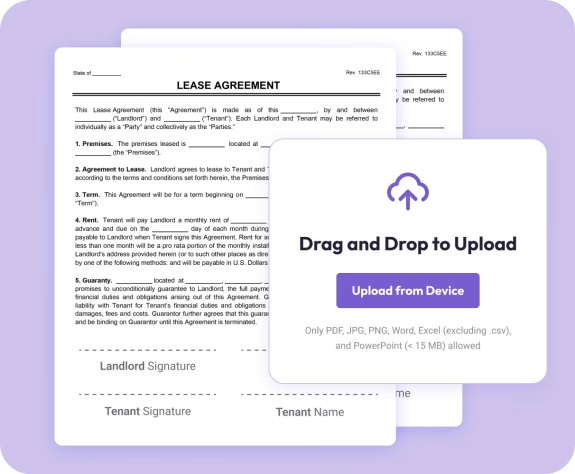
Upload Your PowerPoint File
- Drag your PPT or PPTX file into the uploader. Your presentation appears instantly—no setup required.

02.
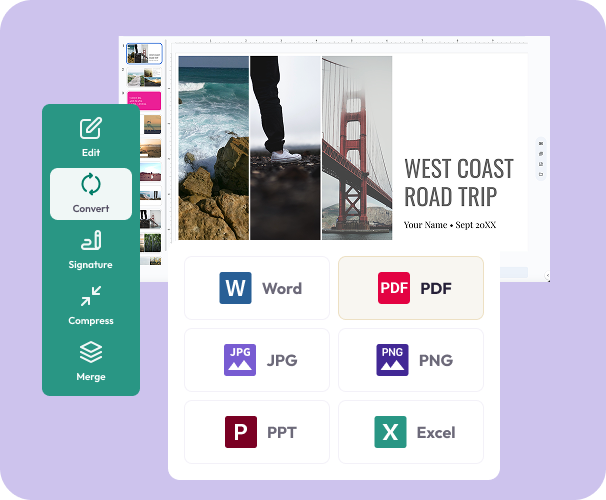
Convert to PDF
- Choose PDF as your output. Our converter keeps your slide design, images, fonts, tables, and theme intact.
03.
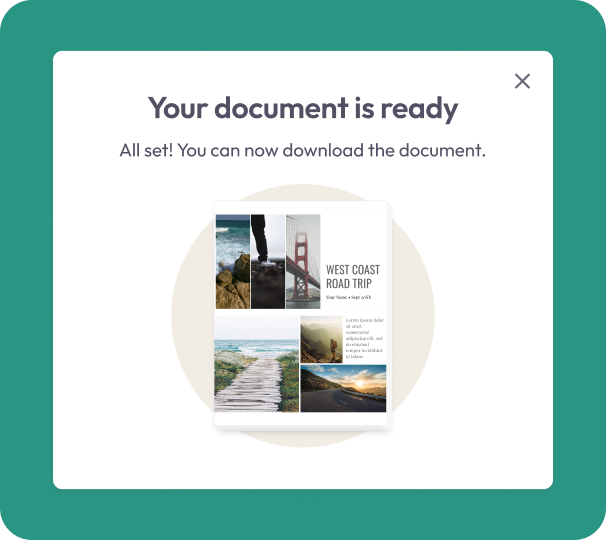
Download or Share
- Download your crisp PDF or share it right away. Your slides stay consistent, print-ready, and secure.
Why Choose Our PPT to PDF Converter
Flawless slide preservation
Your layouts, images, fonts, charts, and branding stay perfectly aligned.
Professional results in seconds
Create clean, consistent PDFs with a single click.
Better for sharing and printing
PDF ensures your slides look the same on any device—no PowerPoint needed.

Powered by the Document Genius engine
Enjoy fast, reliable processing for small decks and large presentations.
All your PDF tools in one smart workspace
Convert, edit, sign, merge, highlight, and organize from a simple dashboard.
Do More With Your Presentation
Powerful tools to help you edit, enhance, and finalize your documents—right in your browser.
Convert It
Turn full presentations or selected slides into polished PDFs instantly.
Edit It
Add text, notes, highlights, or combine your newly converted PDF with others.
Share It
Download or share your PDF right away—secure, private, and ready for your audience.