Trusted by individuals who need fast, easy PDF conversion
Fast. Simple. No software needed.
How to Create a PDF
01.
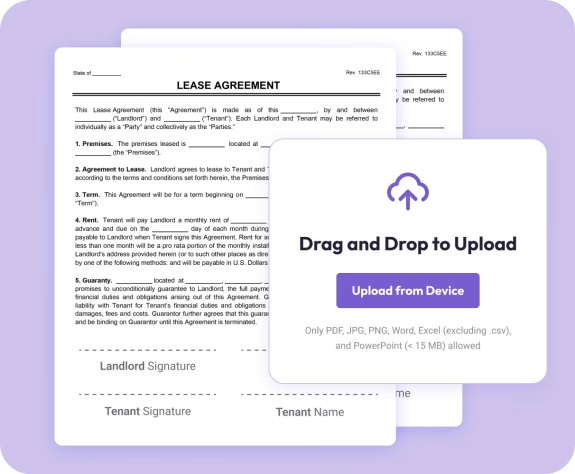
Upload Your Document or Image
- Select a file from your device or drag it directly into the PDF maker. It loads instantly in your browser.

02.
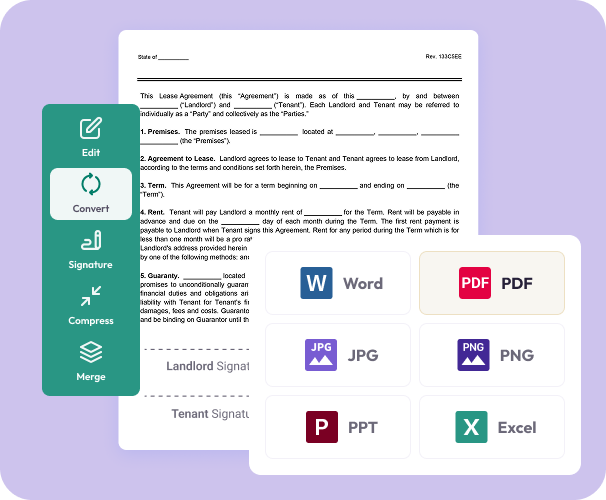
Click Convert
- With one click, Document Genius converts your file to a high-quality PDF. No installations or technical setup required.
03.
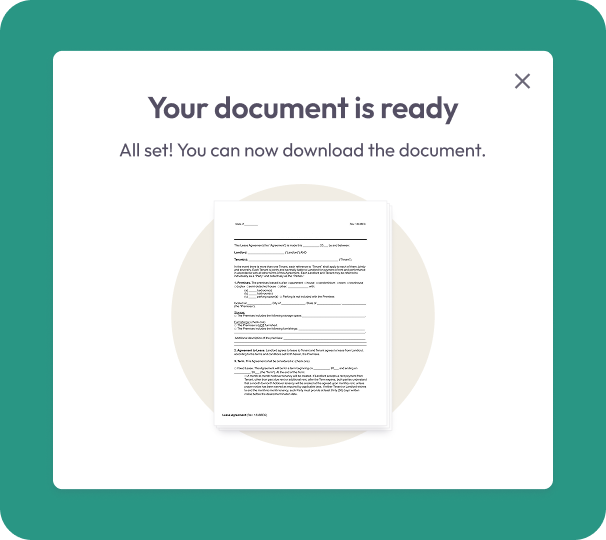
Download or Share
- Download your new PDF immediately or save it to your Document Genius account for easy access later.
Why Use Our PDF Maker
Simple and user-friendly
Convert files into PDFs in just a few steps, perfect for quick tasks.
Convert multiple formats
Turn Word files, Excel sheets, images, and PowerPoints into PDFs without losing clarity.
Preserve your layout
Your fonts, spacing, tables, and images stay exactly as they appear in the original file.

Works on any device
Create PDFs from your phone, tablet, or computer in any modern browser.
Part of the Document Genius PDF toolkit
After converting, you can edit your PDF, merge files, request signatures, or organize pages.
Do More With Your PDFs
Powerful tools to help you convert, edit, and finalize documents in one smart workspace.
Convert It
Turn images, documents, and presentations into PDFs for clean, consistent sharing.
Edit It
Add text, highlights, notes, or images after your PDF is created.
Share It
Download or send instantly. Your files remain private and never shared.