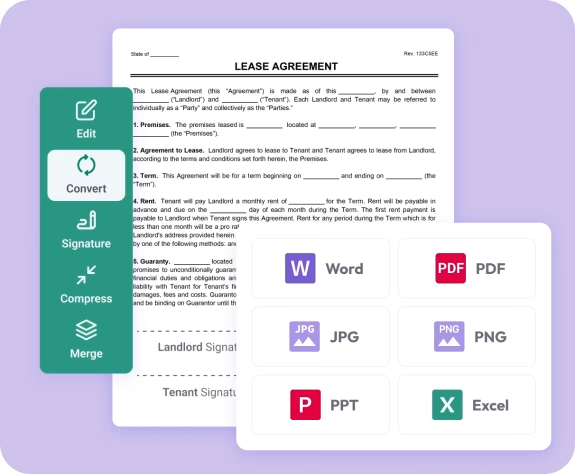
Trusted by individuals who need fast, easy PDF conversion
Fast. Simple. No software needed.
How to Convert PDF to PNG
01.
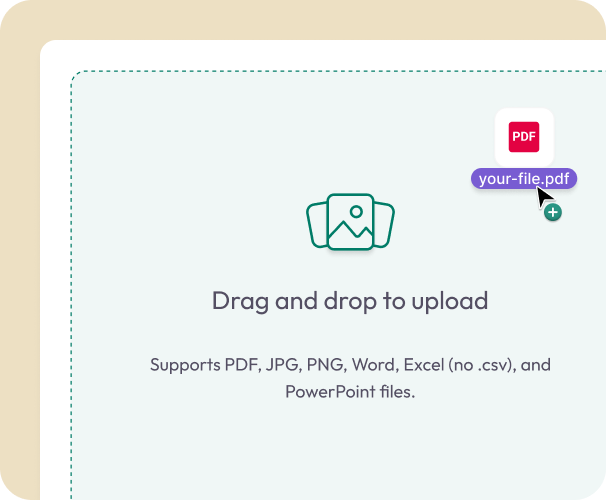
Upload Your PDF
- Drag your PDF into the uploader or select it from your device. Everything processes instantly in your browser.
02.
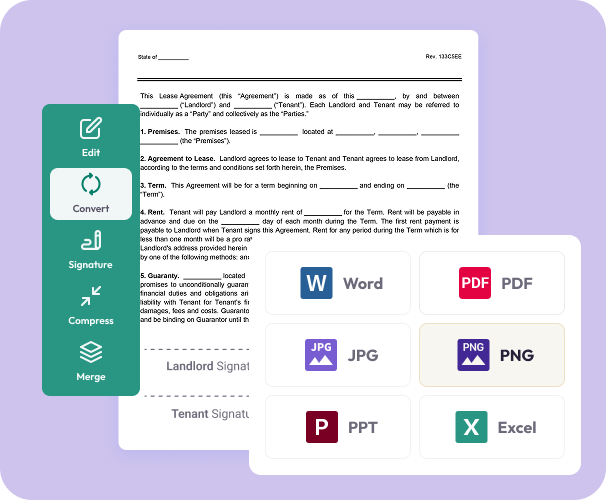
Convert to PNG
- Choose PNG as your output format. Each page becomes a clean, high-resolution image with accurate colors and detail.
03.
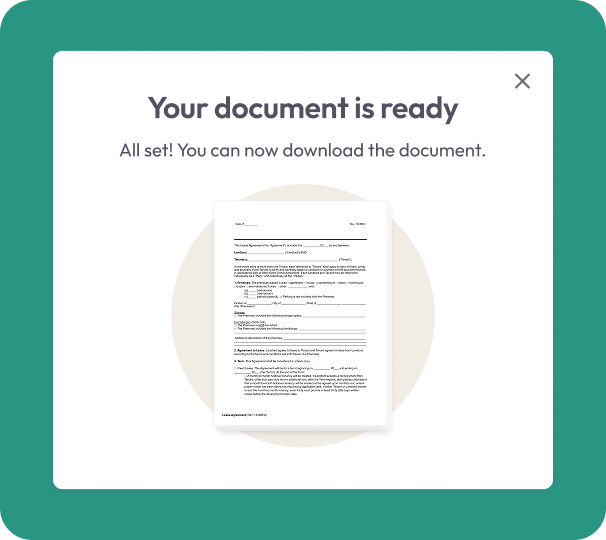
Download and Save
- Download your PNG images right away or save them to your account for easy access later.
Why Choose Our PDF to PNG Converter
High-resolution images
PNG keeps fine details, sharp text, and accurate colors—ideal for graphics, branding, and digital work.
Easy, browser-based conversion
Upload one file or many and convert without software. Convenient on laptops, phones, or tablets.
Works anywhere
Fast and reliable whether you're on macOS, Windows, iOS, or Android.

Secure from start to finish
Files are encrypted during upload and conversion to keep your information private.
Built for everyone
Great for designers, students, professionals, and teams who need clean PNGs without extra steps.
Do More With Your Images
A flexible workspace to convert, edit, and organize files with ease.
Convert It
Turn PDFs into beautiful PNGs ready for design, printing, or sharing.
Edit It
Crop, highlight, or combine your new PNGs using built-in tools.
Share It
Download instantly or send your images anywhere. Your files remain private.