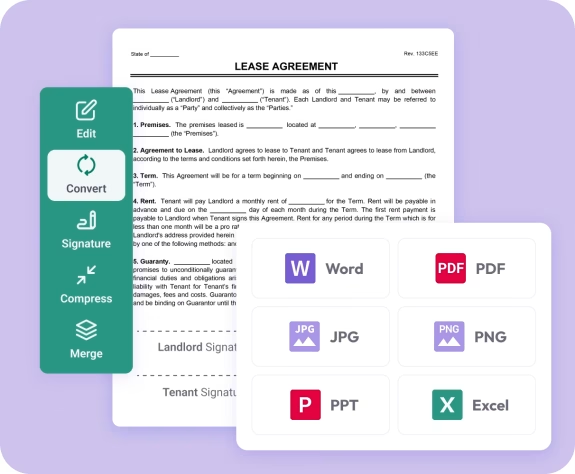
The fastest way to convert PDF pages to JPG images online
Fast. Simple. No software needed.
How to Convert PDF to JPG
01.
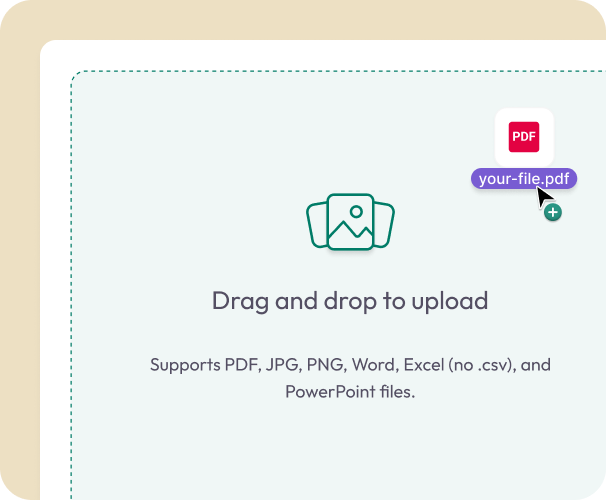
Upload Your PDF
- Drag your PDF into the uploader or choose it from your device. Your file loads instantly—no setup required.
02.
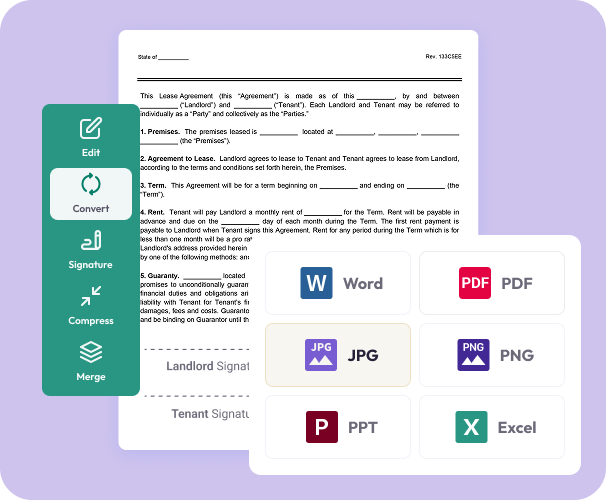
Convert to JPG
- Select JPG as your output format. Each page becomes a clean, high-resolution image.
03.
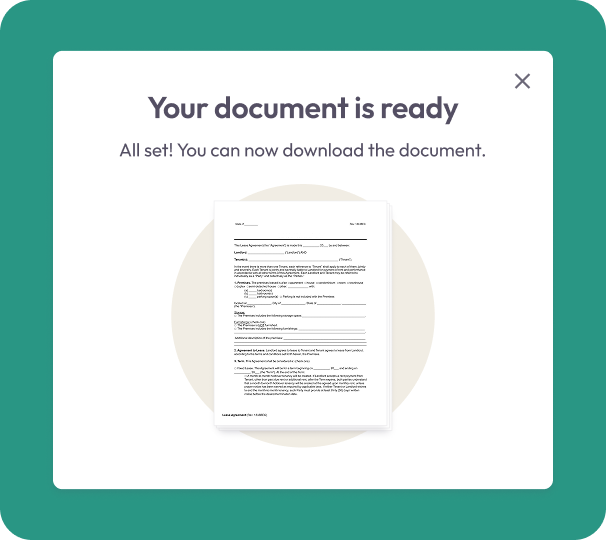
Download or Share
- Download your new JPG files or share them instantly. Your images stay secure, clear, and ready to use anywhere.
Why Choose Our PDF to JPG Converter
High-resolution results
Every page becomes a crisp image that preserves text, graphics, charts, and fine details.
Easy to use
Convert in seconds with a simple drag-and-drop uploader—perfect for quick sharing or archiving.
Works anywhere
Use the tool on your phone, tablet, or computer. Everything runs in your browser.

Secure file handling
Your files are encrypted during upload and conversion for complete privacy.
Powered by Document Genius
Built for fast, reliable conversions used by thousands of people every day.
Free PDF to JPG Converter
Converting PDF to JPG — What You Need to Know
Converting a PDF to JPG makes your documents easier to share on social media, embed on websites, or use in presentations. Document Genius converts each page into a high-resolution image instantly.
What Gets Converted?
Each page of your PDF becomes a separate JPG image. Text, graphics, charts, and layouts are all preserved at high resolution — ready to use anywhere images are accepted.
Will Image Quality Be Affected?
No. Document Genius converts your PDF pages to high-resolution JPG images without reducing quality. Your text stays sharp and readable, and your graphics stay crisp and clear.
JPG vs PNG — Which Should I Use?
JPG is best for photos and detailed images — smaller file sizes, great for sharing and embedding online. PNG is better for images with text or sharp edges where you need lossless quality. Need PNG instead? Use our PDF to PNG converter.