Trusted by individuals who need fast, easy PDF conversion
Fast. Simple. No software needed.
How to Convert PNG to PDF
01.
Upload Your PNG
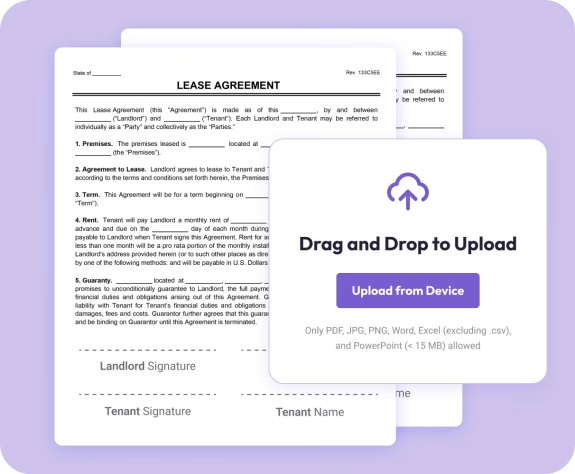
- Drag your PNG into the uploader or choose it from your device. Your file loads instantly—no installation needed.

02.
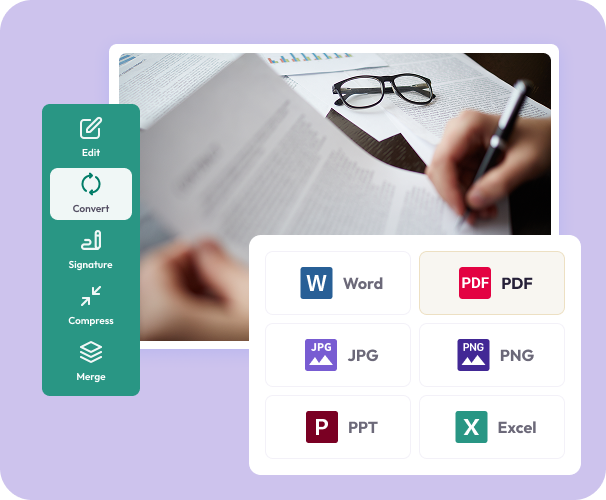
Convert to PDF
- Choose PDF as your output. Your PDF preserves image clarity, transparency, and color consistency.
03.
Download or Share
- Download your new PDF or share it instantly.
Why Choose Our PNG to PDF Converter
High-quality image preservation
Your PNG’s clarity, detail, and colors remain sharp and consistent in the final PDF.
Combine multiple PNGs
Upload several images at once and merge them into a single, organized PDF.
Perfect for sharing and printing
PDF ensures your images look the same on any device—no format issues or compression surprises.

Powered by the Document Genius engine
Fast, reliable processing for PNG to PDF conversion.
All your PDF tools in one smart workspace
Convert, edit, sign, merge, highlight, and organize—right in your browser.
Do More With Your Images
Powerful tools to help you edit, enhance, and finalize your documents—right in your browser.
Convert It
Turn PNGs into polished PDFs ready for sharing, saving, or printing.
Edit It
Add notes, text, highlights, or combine your new PDF with others using built-in editing tools.
Share It
Download or send instantly. Your files remain private and never shared.