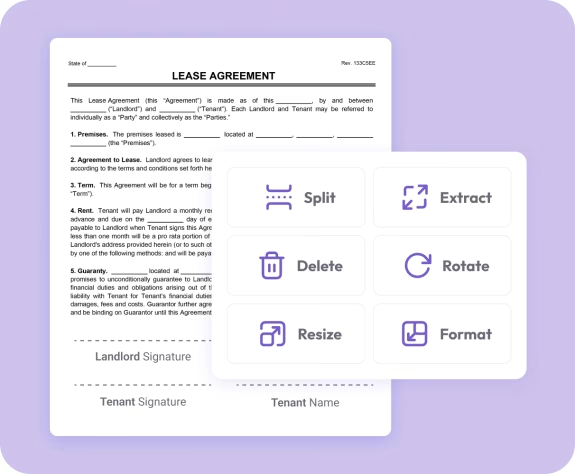
Trusted by individuals who need fast, easy PDF editing
Fast. Simple. No software needed.
How to Use the PDF Reader
01.
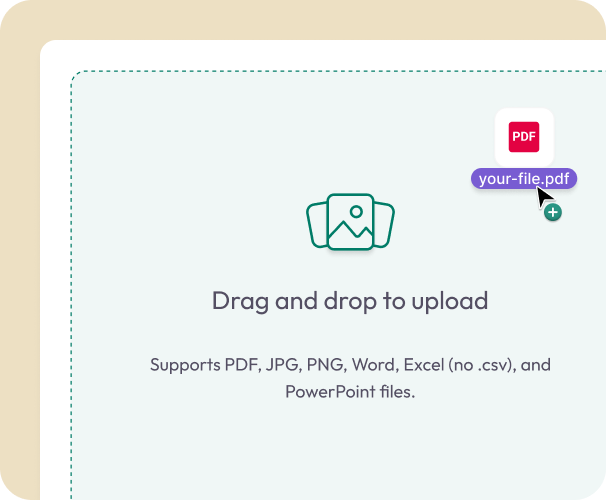
Upload Your PDF
- Drag your file into the viewer or select it from your device. It loads directly in your browser.
02.
Annotate, Highlight, or Draw
- Add notes, highlight text, underline, draw shapes, or mark up important sections. You can also add signatures when needed.

03.
Download or Save
- Download your updated PDF immediately or save it to your Document Genius account for future access.
Why Use Our PDF Reader
Effortless PDF viewing
Open and scroll through any PDF, with smooth zooming and a clean reading experience.
Annotate and collaborate
Highlight text, add comments, leave notes, and mark up important sections.
Draw and circle content
Use freehand drawing tools to underline, circle, or emphasize key areas.

Works across all devices
Review and annotate PDFs on your phone, tablet, or computer, no apps required.
Part of the Document Genius PDF toolkit
After reviewing, you can edit, sign, organize, or convert your PDF, all in the same workspace.
Do More With Your PDFs
A complete set of tools for fast, accurate PDF editing.
Read It
View, zoom, scroll, search, and study documents easily.
Annotate It
Add notes, highlights, drawings, and comments for clear communication.
Edit It
Make updates, add text, insert images, or fill out forms.