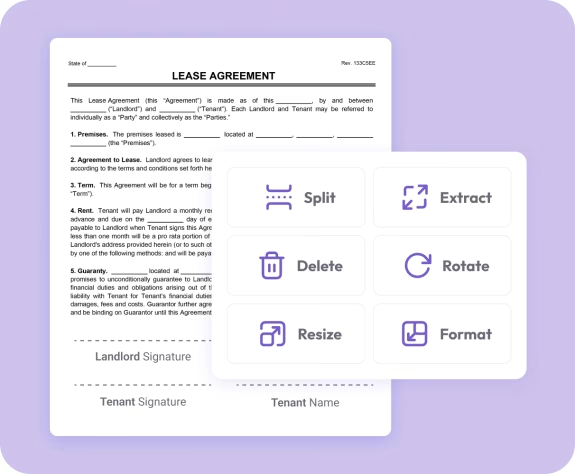
Trusted by individuals who need fast, easy PDF editing
Fast. Simple. No software needed.
How to Extract PDF Pages
01.
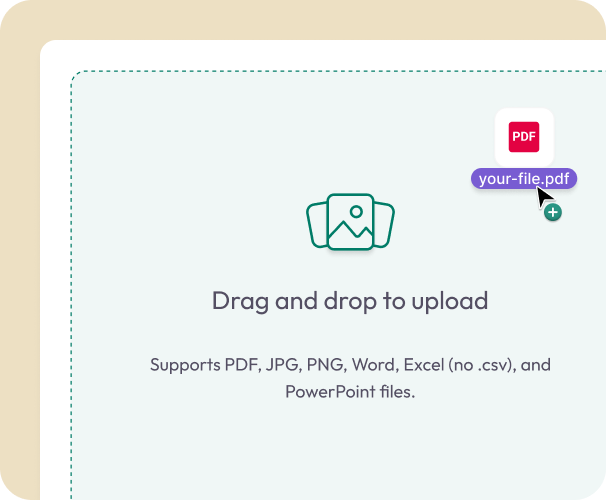
Upload Your PDF
- Drag your file into the uploader or choose it from your device. Works instantly in any browser.
02.
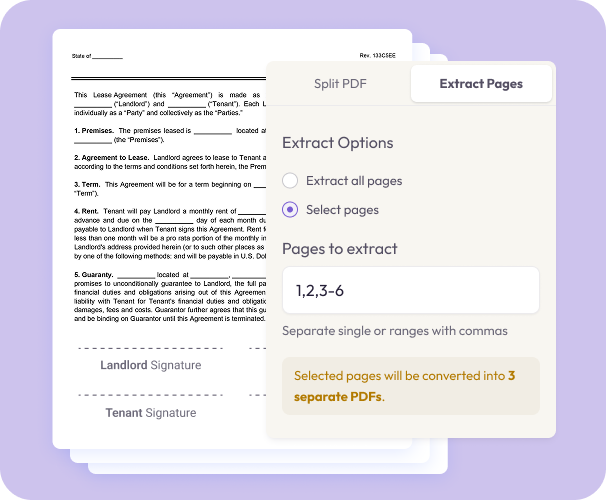
Select the Pages You Want
- Choose individual pages or a range of pages to extract. Only the pages you select will appear in your new file.
03.
Download Your New PDF
- Download a clean PDF containing only the selected pages, or save it to your account for quick access.

Why Choose Our PDF Extraction Tool
Extract just what matters
Pull out important pages—like signatures, receipts, chapters, worksheets, contracts, or study sections.
Keep full quality
Your extracted pages keep the same layout, fonts, resolution, and formatting as the original document.
Works anywhere
Extract pages from your phone, tablet, or computer with no installations or plugins.

Secure and private
Your documents are encrypted during upload and deleted after processing to keep your information safe.
Streamline your workflow
Ideal for students, professionals, and anyone who needs to organize multi-page PDFs quickly.
Do More With Your PDFs
A complete workspace for editing, organizing, and converting documents.
Extract It
Save selected pages as a new, focused document.
Edit It
Add notes, rearrange pages, or remove unwanted content.
Split It
Break long PDFs into multiple smaller files.