Trusted by individuals who need fast, easy PDF editing
Fast. Simple. No software needed.
How to Delete Pages from a PDF
01.
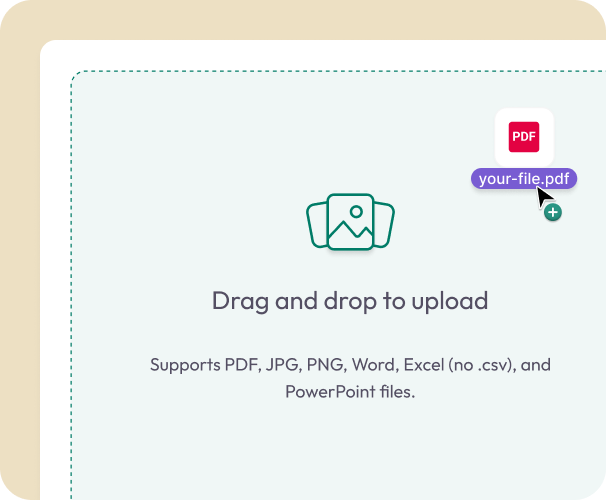
Upload Your PDF
- Drag your file into the uploader or pick it from your device. It loads instantly in your browser.
02.
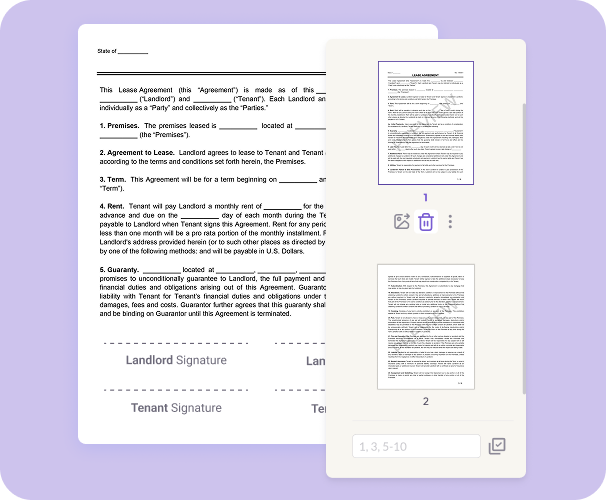
Select and Delete Pages
- Choose the pages you want to remove. Delete a single page or multiple for a cleaner final document.
03.
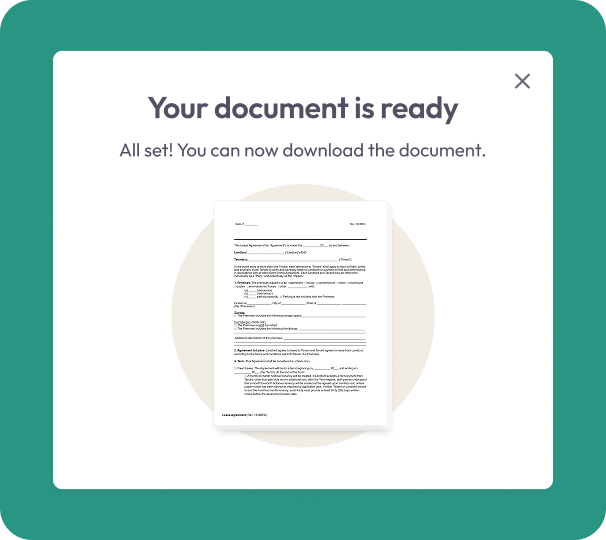
Download or Save Your Updated PDF
- Download your polished PDF immediately or save it to your account for easy access anytime.
Why Choose Our Delete PDF Pages Tool
Clean up your document fast
Remove filler pages, blanks, duplicates, drafts, or outdated sections with just a few clicks.
Keep every detail intact
Your original fonts, layout, and formatting stay the same—only the selected pages are removed.
No software needed
Delete pages from your phone, tablet, or computer. Everything runs securely in your browser.

Private and protected
Your documents are encrypted during upload and deleted after processing to protect your privacy.
Edit and organize in one workspace
After removing pages, continue editing, rearranging, merging, or converting your PDF using built-in tools.
Do More With Your PDFs
A complete workspace for editing, organizing, and converting documents.
Delete It
Remove unneeded pages for a cleaner document.
Edit It
Adjust text, add notes, highlight sections, or insert images.
Organize It
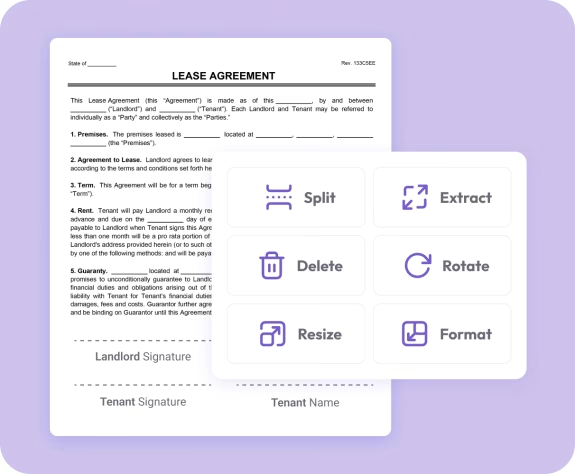
Reorder pages, merge files, or split PDFs into smaller documents.