The fastest way to remove PDF password protection online
Fast. Simple. No software needed.
How to Unlock a PDF
01.
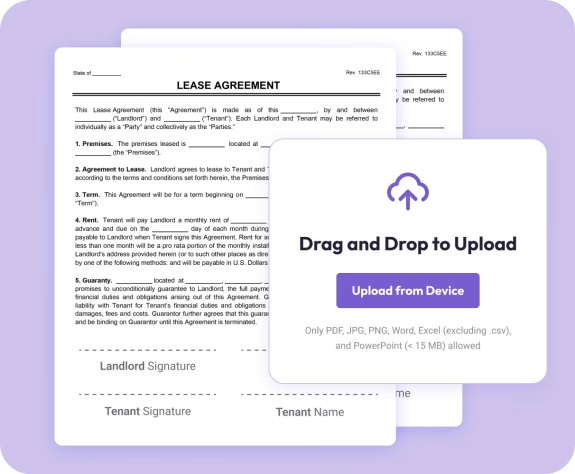
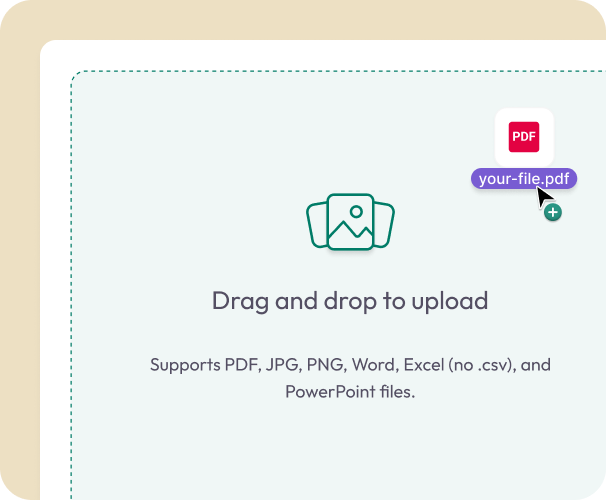
Upload Your Locked PDF
- Drag in your PDF or choose it from your device. It loads instantly in your browser.
02.
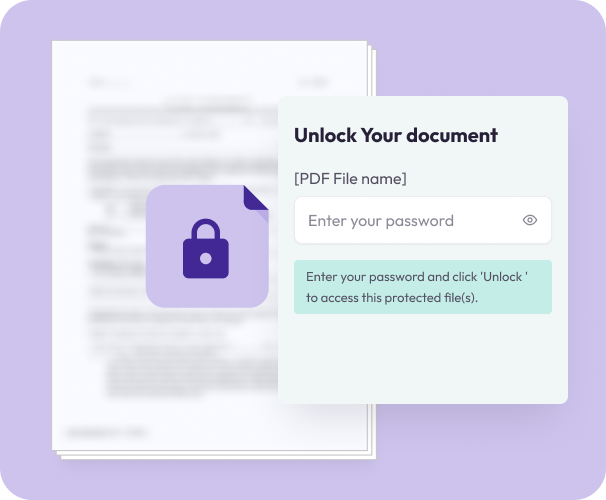
Enter the Password
- Type the correct password to remove viewing or editing restrictions.
03.
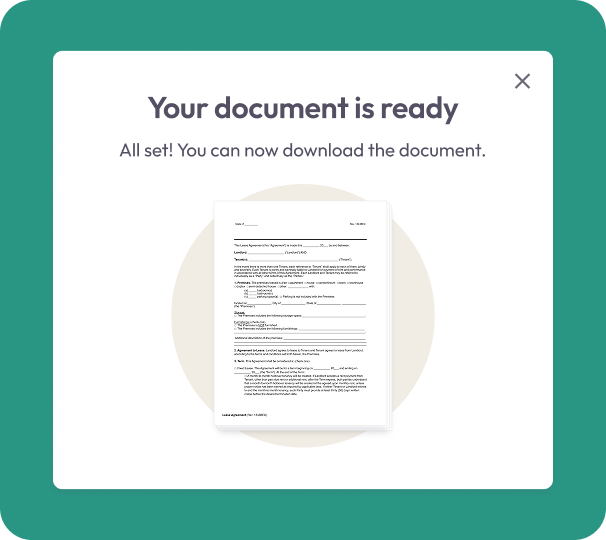
Download Your Unlocked File
- Download the unrestricted version or save it to your Document Genius account.
Why Use Our Unlock PDF Tool
Instant access
Unlock your PDF in seconds by entering the correct password.
Works with all standard PDFs
Use it for resumes, contracts, school documents, reports, or any file you need to access.
Always in your browser
Unlock PDFs from your phone, tablet, or computer, no apps or installations needed.

Secure and private
Your files are encrypted during upload and automatically deleted after processing.
Part of a complete PDF toolkit
Use Document Genius to edit, merge, split, reorganize, convert, or sign your newly unlocked file.
Free Online PDF Unlocker
Unlocking PDFs — What You Need to Know
Unlocking a PDF removes the password restriction so you can open, edit, copy, and print the document freely. You need to know the correct password to unlock a PDF with Document Genius.
Do I Need the Password to Unlock?
Yes. Document Genius requires the correct password to unlock a PDF. This ensures only authorised users can remove protection. If you've forgotten your password, try common variations or check where it was originally set — there is no way to bypass a password you don't know.
What Happens After Unlocking?
Once unlocked, your PDF is fully accessible — you can open, edit, copy, print, and share it without restrictions. You can then use any Document Genius tool to edit, annotate, merge, sign, or convert your document.
When Should You Unlock a PDF?
Unlock a PDF when you no longer need the restriction — for example, when sharing a document internally, making edits to a protected file you own, or removing old password protection before merging with other documents. Use our Lock PDF tool to re-protect it afterwards if needed.