The fastest way to convert PDF to Word online
Free Online PDF to Word Converter
Why Convert PDF to Word?
PDFs are great for sharing, but they're not built for editing. When you need to update a contract, revise a report, or reuse content from a document, converting to Word gives you full control — no software needed.
When Should You Use It?
Use it when you need to edit a contract you only have as a PDF, update a report without starting from scratch, extract content from an existing document, or make changes before filling out a form.
Will My Formatting Stay?
Document Genius preserves your fonts, spacing, images, tables, and layout during conversion. You get a clean Word file that looks like the original — ready to edit without any reformatting.
PDF to Word vs DOCX
They're the same thing. DOCX is the Microsoft Word file format. Convert with Document Genius and you get a .docx file that opens in Word, Google Docs, or any compatible app.
Fast. Simple. No software needed.
How to Convert PDF to Word
01.
Upload Your PDF
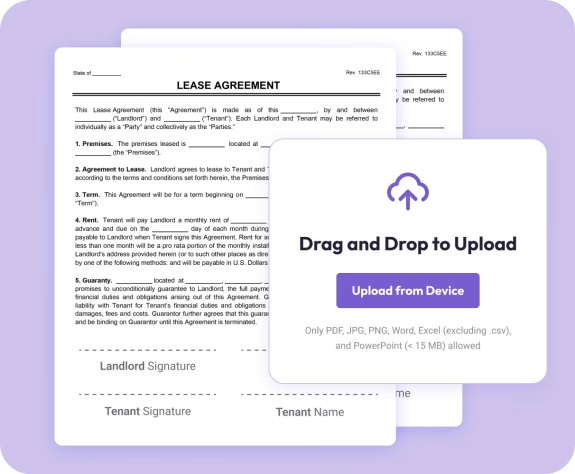
- Drag your PDF into the uploader or choose it from your device. Your file loads instantly—no setup needed.

02.
Convert to Word
- Select Word as your output format. Your text, images, and layout stay just like the original.

03.
Download or Share
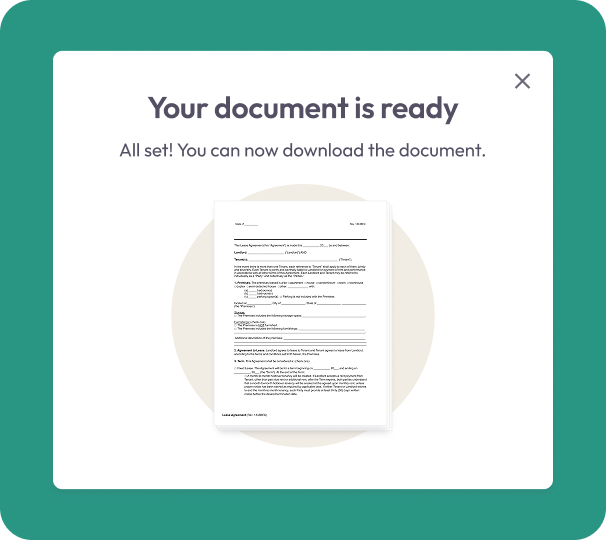
- Download your new Word file or share it instantly. Your document stays secure, editable, and ready to use.
Why Choose Our PDF to Word Converter
Accurate formatting, preserved
Your fonts, spacing, images, and layout stay exactly where they belong. No reformatting required.
Fully editable Word files
Make changes, add comments, or reuse content without starting over from scratch.
Works on any device
Convert and edit from your phone, tablet, or computer—no limits.

Secure file handling
Your documents are encrypted during upload and conversion for complete privacy.
Powered by Document Genius
Fast, reliable processing you can trust for everyday document work.