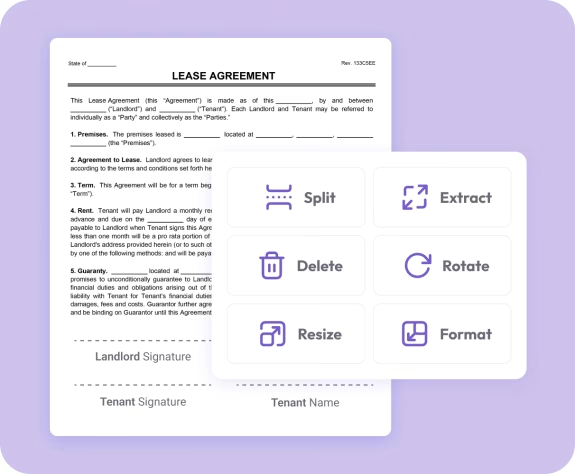
The easiest way to split and separate PDF pages online
Fast. Simple. No software needed.
How to Split a PDF Document
01.
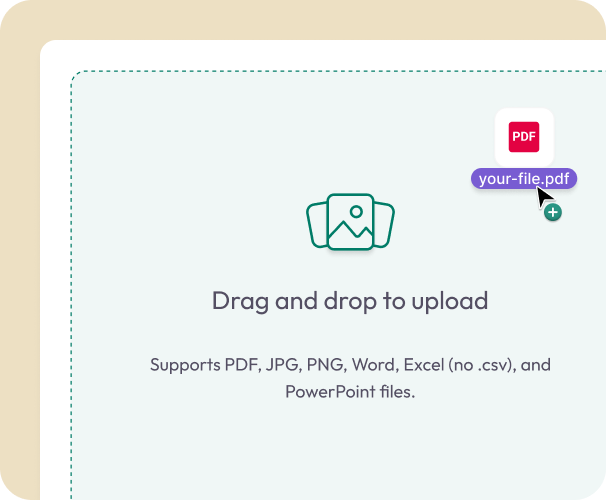
Upload Your PDF
- Drag your PDF into the uploader or choose it from your device. Splitting works on desktop, tablet, or mobile.
02.
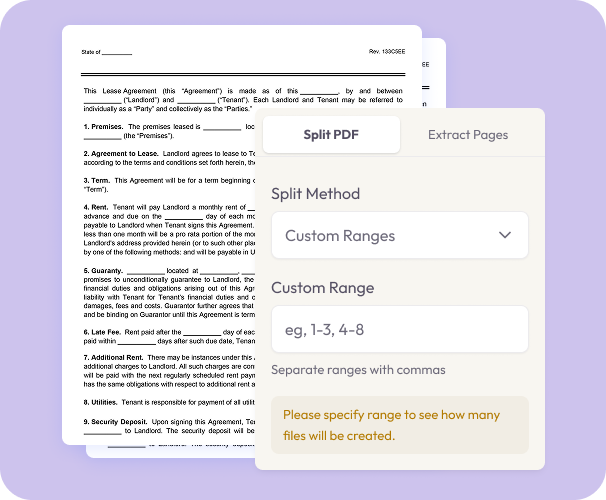
Choose Pages to Extract
- Select individual pages or entire ranges. Split the document into multiple PDFs or choose only what you need.
03.
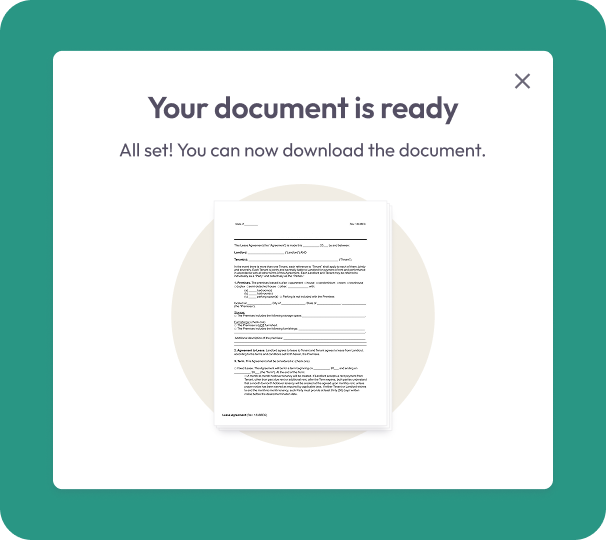
Download or Save
- Download your newly split PDFs instantly or store them in your account for easy access later.
Why Choose Our Split PDF Tool
Split exactly what you need
Pull out specific pages, sections, or chapters without altering the rest of the document.
Keep your file quality
Your text, images, and formatting remain sharp—even when splitting large or graphics-heavy PDFs.
Works anywhere
Split PDFs online from any browser or device with no installations or updates needed.

Secure and private
All uploaded PDFs are encrypted and deleted after processing to protect your information.
Built for convenience
Great for contracts, scanned documents, study materials, multi-section reports, and team handouts.
Free Online PDF Splitter
Splitting PDFs — What You Need to Know
Large PDFs are difficult to share, review, and manage. Document Genius lets you extract exactly the pages you need — splitting by page range, section, or individual page in seconds.
How Can I Split a PDF?
Upload your PDF, select the pages or page ranges you want to extract, and click Split. Document Genius creates separate PDF files for each section — ready to download or share immediately.
Will Quality Be Affected?
No. Your fonts, images, and formatting are preserved exactly as they appear in the original. Splitting a PDF does not reduce quality or alter the content of any page.
Can I Merge the Files Back Together?
Yes. Once you've split and edited your files, use our Merge PDF tool to combine them back into a single organised document whenever you need.
Common Uses
When Should You Split a PDF?
Splitting a PDF saves time whenever you need to share, submit, or store only part of a larger document.
Large Documents
Break oversized reports, manuals, or contracts into smaller, easier-to-manage sections. Useful when a file is too large to email or upload to a form.
Contracts & Legal Docs
Extract individual sections from a multi-part contract or legal document — share only the relevant pages with each party without sending the full file.
Study & Reference Materials
Pull out specific chapters or sections from textbooks, study notes, or multi-section reports. Keep only what you need for each task or project.