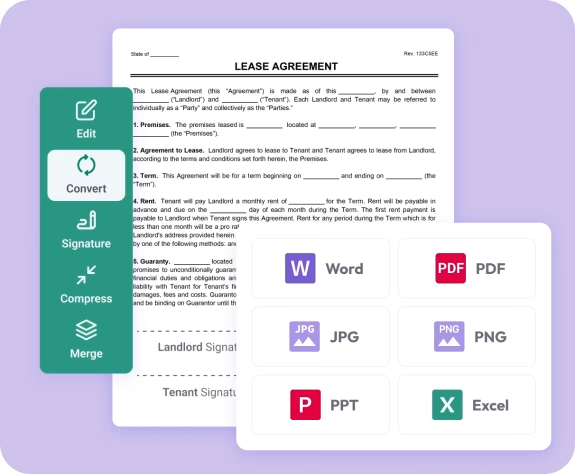
Trusted by individuals who need fast, easy PDF conversion
Fast. Simple. No software needed.
How to Convert PDF to PowerPoint
01.
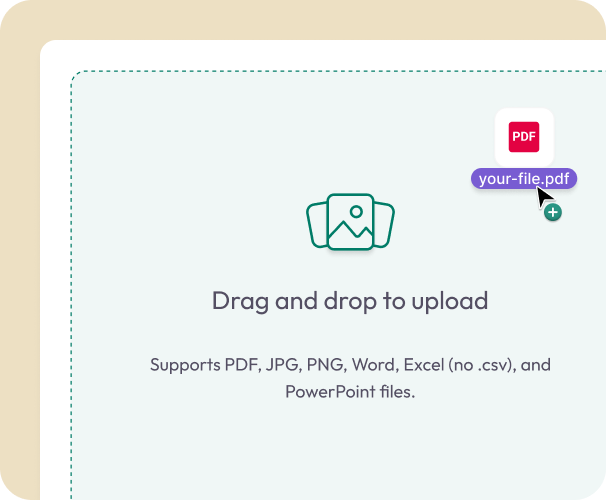
Upload Your PDF
- Drag your PDF into the uploader or choose it from your device. Your file loads instantly—no setup required.
02.
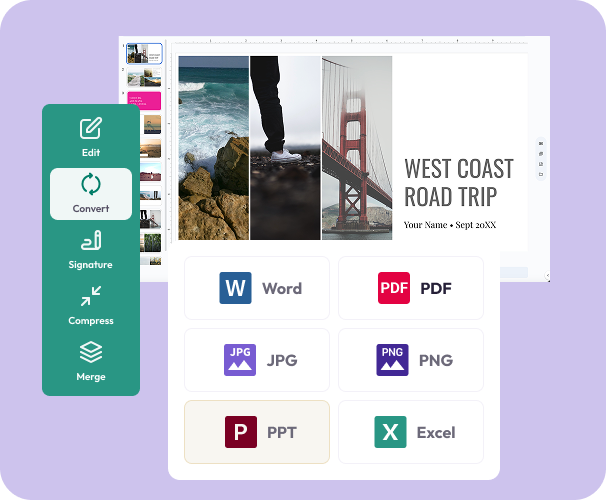
Convert to PowerPoint
- Select PowerPoint as your output format. Slides, layouts, text, and visuals are converted automatically.
03.
Download or Share
- Download your new PowerPoint file or share it instantly. Your presentation stays secure, editable, and ready to present.

Why Choose Our PDF to PPT Converter
Built for slides and layouts
Slide structure, text blocks, images, and spacing stay aligned for clean presentations.
Fully editable presentations
Update talking points, reorder slides, add animations, or insert new graphics with ease.
Works on any device
Convert from your laptop, tablet, or phone with no software required.

Secure file handling
Your files are encrypted during upload and conversion for complete privacy.
Powered by Document Genius
Fast, reliable processing for business decks, school projects, and team presentations.
Do More With Your Documents
One smart workspace to convert, edit, and finalize every file you present.
Convert It
Turn PDFs into structured PowerPoint slides in seconds.
Edit It
Adjust text, visuals, slide order, and layout using built-in tools.
Share It
Download or send instantly. Your files remain private and never shared.