Trusted by individuals who need fast, easy PDF conversion
Fast. Simple. No software needed.
How to Convert Word to PDF Online
01.
Upload Your Word Document
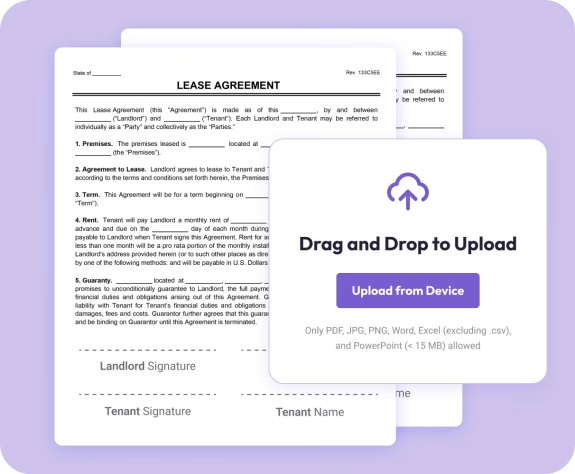
- Drag and drop your .doc or .docx file into the uploader. Your document opens instantly—no installation required.

02.
Convert to PDF
- Choose “PDF” as your output format. Our converter instantly transforms your document while keeping your formatting intact.

03.
Download or Share
- Download your polished PDF or share it right away. Your converted file is secure, accurate, and ready to use.
Why Choose Our Word to PDF Converter
Preserve every detail perfectly
Keep your fonts, spacing, images, tables, and layout exactly as they appear in Word.
High-quality, fast conversion
Turn Word into PDF in seconds with clean, consistent, professional results.
Works on any device
Convert from your phone, tablet, or computer—no apps, no installations.

Document Genius conversion engine
Enjoy reliable, precise output backed by a powerful cloud-based system.
All your PDF tools in one smart workspace
Convert, edit, annotate, merge, sign, and organize—all from a simple, modern dashboard.
Do More With Your Documents
Powerful tools to help you edit, enhance, and finalize your documents—right in your browser.
Convert It
Turn Word into PDF with perfect accuracy—ideal for business, school, and sharing.
Edit It
Update text, add pages, or fix formatting inside your PDF after conversion.
Share It
Download your file or share it instantly with peace of mind—your content remains private.