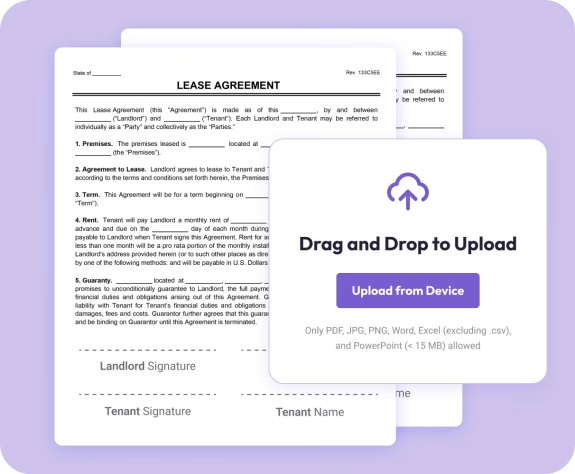
The easiest way to edit PDF files online
Fast. Simple. No software needed.
How to Edit PDFs Online
01.
Upload Your Document
- Upload your PDF from any device using our drag-and-drop uploader. Your file opens instantly in the editor with no installation required.

02.
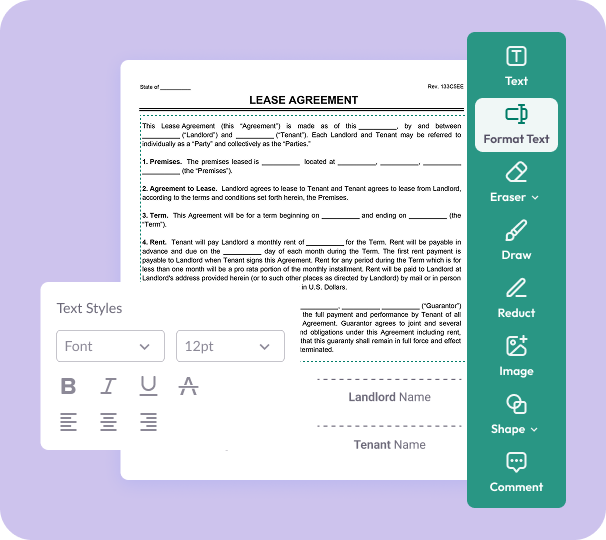
Make Your Edits
- Edit text, add images, highlight content, or reorder pages using simple tools designed to let you update your PDF in seconds.
03.
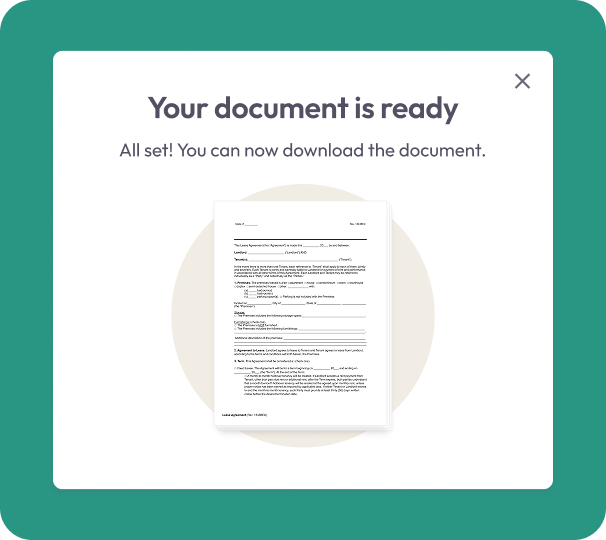
Download or Share
- When you’re finished, download your updated PDF or share it directly. Your edited files are saved securely and ready to use right away.
Why Choose Our PDF Editor
Edit text right inside your PDF
Quickly fix typos, update details, or replace entire sections without needing the original file.
Add images, shapes & annotations
Enhance your PDFs with visuals, highlights, comments, and markups to communicate clearly.
Reorder, add, or remove pages
Organize your PDF the way you want by moving, inserting, or deleting pages in seconds.

Convert files with ease
Turn PDFs into Word, Excel, PowerPoint, JPG, or PNG—and convert other formats back into PDF instantly.
All your tools in one smart workspace
Access everything you need—editing tools, conversion options, annotations, and more—from a clean, intuitive dashboard.
Free Online PDF Editor
Editing PDFs — What You Need to Know
PDFs aren't designed to be edited — but Document Genius makes it simple. Whether you need to fix a typo, update a date, or reorganise pages, you can do it all directly in your browser. Your file is encrypted during upload and deleted after your session.
What Can I Edit?
Add or edit text, insert images, highlight content, draw shapes, add comments, underline, redact sensitive information, and reorder or delete pages — all from the toolbar without leaving your browser.
Do I Need the Original File?
No. Upload any PDF and edit it directly — you don't need the original Word or design file it was created from. Useful for updating contracts, reports, or forms you only have as a PDF.
Can I Edit Text in a PDF?
Yes. Use the text tool to click anywhere and add new text, or use Format Text to adjust fonts and styling. For full text replacement, convert your PDF to Word first using our free converter.