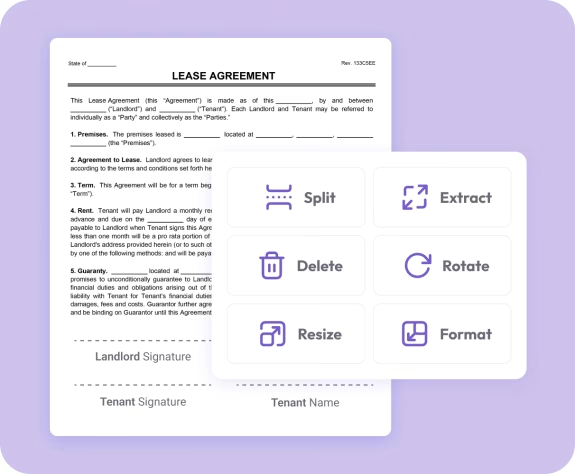
The easiest way to combine PDF files online
Fast. Simple. No software needed.
How to Merge PDF Documents
01.
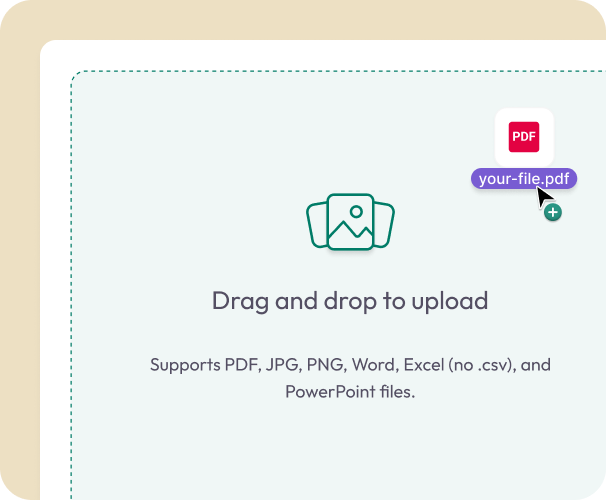
Upload Your PDFs
- Select two or more PDFs or drag them into the uploader. Works on desktop, tablet, or phone.
02.
Rearrange and Merge
- Reorder pages, remove unnecessary ones, and finalize your layout. Click Merge when your document looks right.

03.
Download or Save
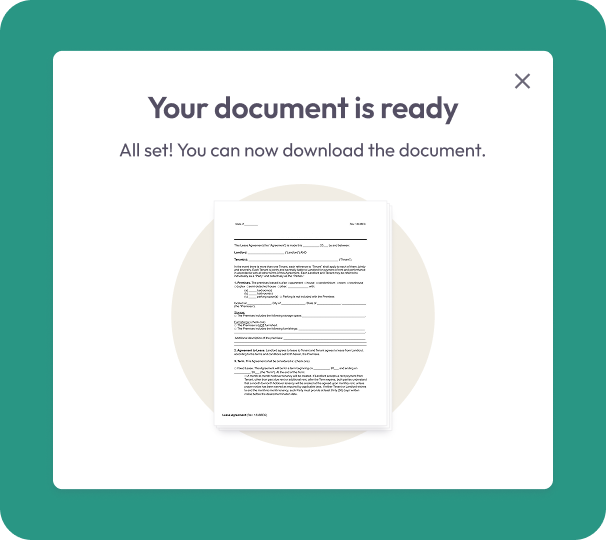
- Download your merged PDF instantly or save it to your account for future access.
Why Choose Our PDF Merge Tool
Fast, intuitive merging
Easily combine documents using a clean, simple interface built for everyday use.
All pages in one organized file
Create a single PDF that places your pages in the exact order you want. Great for contracts, reports, and multi-step documents.
Built for efficiency
Perfect for legal documents, onboarding paperwork, client packages, multi-page receipts, and more.

All your PDF tools in one place
Easily switch between merging, editing, compressing, and converting with Document Genius.
Works anywhere
Merge PDFs from any browser on any device—no installations, updates, or software required.
Free Online PDF Merger
Merging PDFs — What You Need to Know
Whether you're combining contracts, consolidating reports, or assembling a client pack, Document Genius lets you merge PDFs in the right order — cleanly and instantly.
What Can I Merge?
Upload two or more PDF files and combine them into one organised document. Drag to reorder pages, remove any you don't need, and merge when your layout looks right.
Can I Reorder Pages Before Merging?
Yes. Once you've uploaded your files you can drag and drop to reorder pages, remove any you don't need, and finalise the layout before merging. What you see is what you get.
Does Merging Affect Formatting?
No. Your fonts, images, and layout are preserved exactly as they appear in each original file. The merged PDF looks professional and is ready to share or sign immediately.
Common Uses
When Should You Merge PDFs?
Merging PDFs saves time whenever you need to combine related documents into one organised, shareable file.
Contracts & Legal Docs
Merge separate contract pages, addendums, or supporting documents into one complete file — easier to review, sign, and send. Works well for employment contracts, NDAs, and lease agreements.
Reports & Client Packs
Combine project updates, financials, or deliverables into a single PDF before sharing with clients or stakeholders.
Scanned Documents
Turn multiple scanned pages into one PDF file — ideal for archiving paperwork, submitting applications, or organising records.