The fastest way to sign PDF documents online
Fast. Simple. No software needed.
How to eSign a PDF
01.
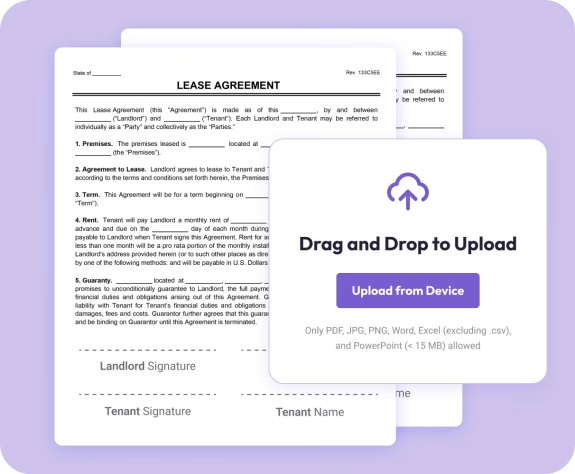
Upload Your PDF
- Drag in your PDF. You can also start with one of our customizable legal templates.
02.
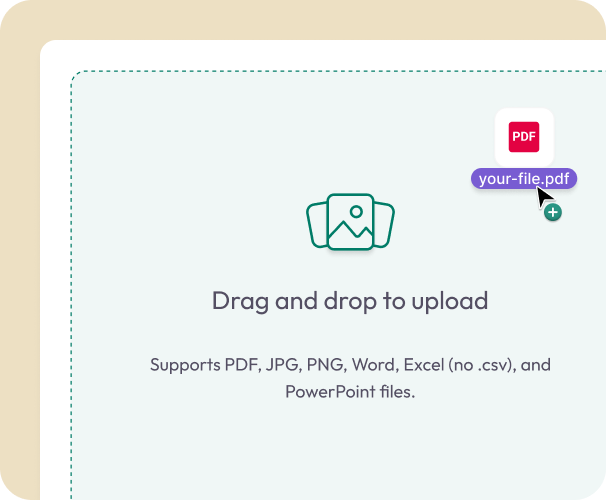
Add Signature Fields
- Place signature boxes exactly where you need them. Add signer names, dates, initials, and other required fields in one step.
03.
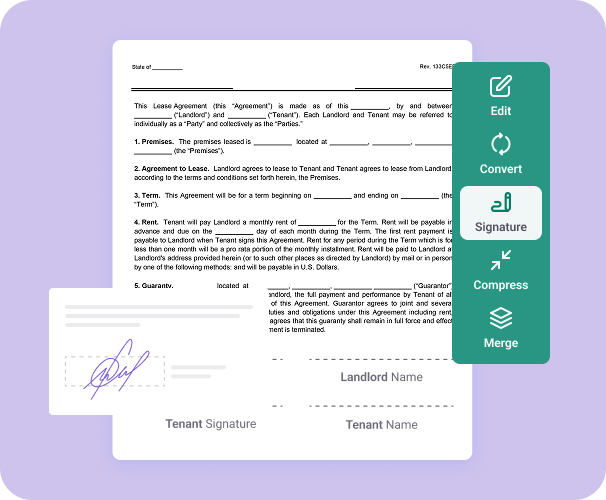
Sign or Send for Signature
- Sign the PDF yourself or send it to partners, clients, or collaborators for their secure electronic signature.

Why Use Document Genius for eSigning a PDF
Legally binding signatures
Create secure, court-recognized electronic signatures that follow industry-accepted eSignature standards.
Faster turnaround
Skip printing, scanning, and emailing. Get documents signed, shared, and finalized in minutes.
Sign from any device
Sign on desktop, tablet, or mobile. Perfect for remote work or quick approvals on the go.

Easy tracking
See which documents have been signed, which are pending, and who still needs to take action.
Works with every PDF tool
Fill, edit, merge, or convert your documents before or after signing, all in one workspace.
Free Online PDF Signer
Signing PDFs Online — What You Need to Know
Electronic signatures are legally binding in the US. Document Genius makes it simple to sign any PDF in seconds — no printing, no scanning, no software needed.
Is an Electronic Signature Legal?
Yes. Electronic signatures are legally binding under laws including the US ESIGN Act. Document Genius creates secure, court-recognised signatures that follow industry-accepted eSignature standards
How Can I Sign a PDF?
Upload your PDF, place your signature field where needed, then type, draw, or upload an image of your signature. Adjust the size and position, then download your signed document or send it to others.
Can I Request Signatures From Others?
Yes. Upload your document, add signature fields for each signer, and send it directly from Document Genius. You can track who has signed and who still needs to take action. Request signatures here.