Trusted by individuals who need fast, easy file conversion
Fast. Simple. No software needed.
How to Convert PNG to JPG
01.
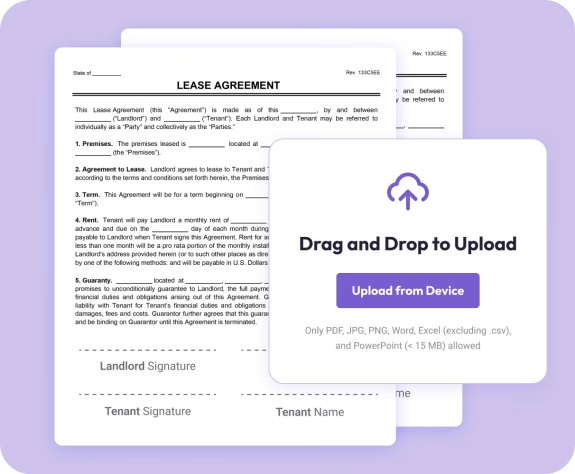
Upload Your PNG Image
- Drag your PNG into the converter or select it from your device.

02.
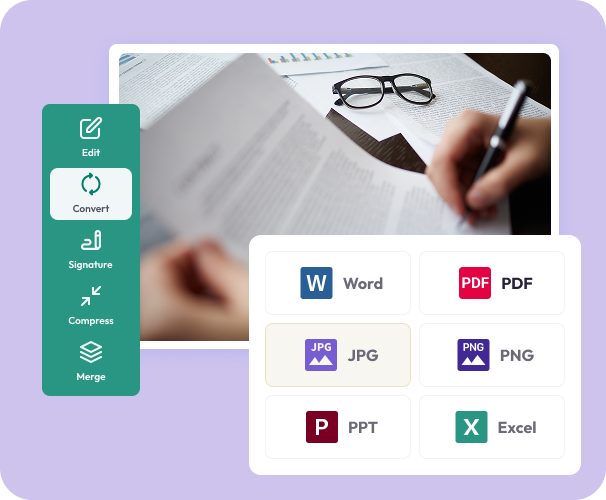
Choose JPG as Your Format
- Select JPG to reduce file size and create a share-ready image.
03.
Convert and Download
- Download your new JPG instantly or save it to your Document Genius account.
Why Use Our PNG to JPG Converter
Optimized for faster sharing
JPG files are smaller, which helps images load quickly and upload smoothly across platforms.
Sharp results with reduced file size
Your converted JPG keeps its clarity and color without unnecessary bulk.
Works on any device
Use the converter from your phone, tablet, or computer, always in your browser.

Simple, user-friendly workflow
Upload, convert, download—easy for anyone to use with no software required.
Part of the Document Genius toolkit
After converting, you can compress, edit, or insert your image into PDFs using our full suite of tools.
Do More With Your Images
Powerful tools to help you edit, enhance, and finalize your documents—right in your browser.
Convert It
Transform PNGs, JPGs, PDFs, and more into the formats you need.
Edit It
Crop, annotate, highlight, or insert images with Document Genius’s PDF and image tools.
Organize It
Merge images into documents or reorder pages using the organizer.