Trusted by individuals who need fast, easy file conversion
Fast. Simple. No software needed.
How to Convert JPG to PNG
01.
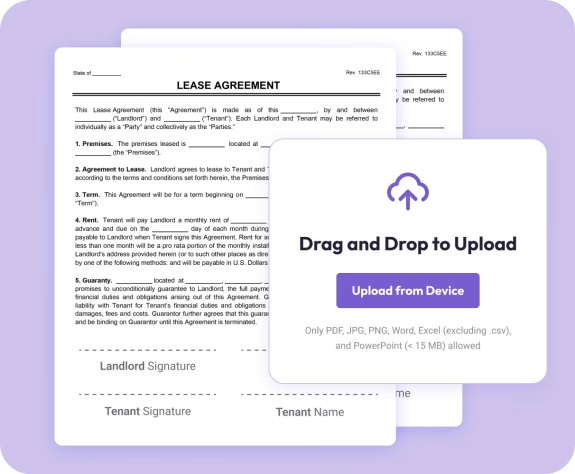
Upload Your JPG Image
- Drag your JPG into the converter or select it from your device.

02.
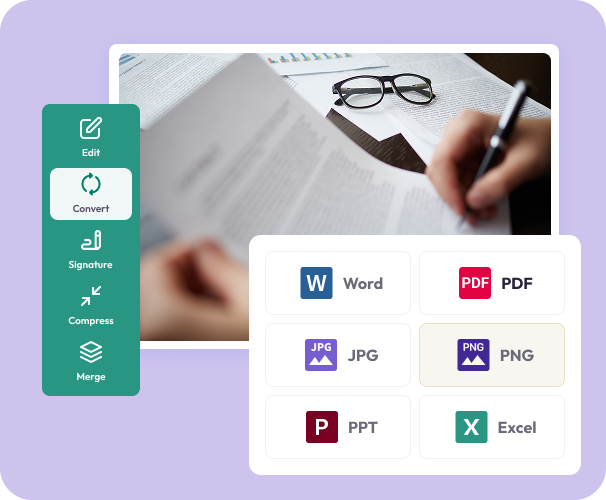
Select PNG as Your Format
- Choose PNG to get a clean, high-resolution output ready for editing or sharing.
03.
Convert and Download
- Download your new PNG instantly or save it to your Document Genius account.
Why Use Our JPG to PNG Converter
Fast and easy conversion
Turn JPGs into PNGs in just a few clicks, no extra steps or software.
Sharp, clear image results
Your PNG keeps the detail, color, and clarity of the original JPG.
Works everywhere
Convert images on your phone, tablet, or computer. Fully online.

Powered by the Document Genius engine
After converting, you can edit, compress, or combine your files using our full suite of PDF and image tools.
No compression loss
PNG output maintains high resolution without added artifacts.
Do More With Your Images
Powerful tools to help you edit, enhance, and finalize your documents—right in your browser.
Convert It
Turn JPGs, PDFs, Word files, and more into PNGs or other formats.
Edit It
Crop, annotate, or add text using Document Genius’s image and PDF tools.
Organize It
Combine images or insert them into documents for a polished result.